In this article
Rank your SKUs by sales value, then count the top group every 4 weeks, the middle group every 13 weeks and the slow tail every 26 weeks. For a Shopify store with 600 SKUs, that comes to about 48 lines a week, or 10 a day. Nobody closes the store, and every line gets checked at least twice a year.
The rest of this article shows where those numbers come from, so you can redo the sums with your own catalog.
Why one yearly count hides problems#
A stocktake (some people write stock take) tells you what the shelf held on one day. It says nothing about the eleven months before or after.
Picture the usual year. A box is opened without a scan in March. A return goes back on the shelf but not into Shopify in June. A bin is mislabeled in September. By December the system quantity is wrong for dozens of lines, and nobody can say when each one went wrong. The count finds the gap. It cannot find the cause.
A rolling count shrinks that window. If a line is checked every 4 weeks, any error is at most 4 weeks old, and the people who handled the stock still remember the week.
Rank SKUs by sales value (ABC)#
ABC means you sort items by how much they matter, then give each group its own rhythm. We use sales value (units sold times price) over the last 12 months, because it is the number most stores can pull in five minutes.
Sort the SKUs from highest sales value to lowest and keep a running total. The first SKUs that add up to 80% of sales are group A. The next ones, up to 95%, are group B. Everything else is group C. The 80 and 95 cut-offs are a common convention, not a law of nature. Move them if your catalog needs it.
Here is an example. Say a store sells $480,000 over 12 months across 600 SKUs.
| Group | SKUs | Share of SKUs | Sales value | Share of sales |
|---|---|---|---|---|
| A | 90 | 15% | $384,000 | 80% |
| B | 150 | 25% | $72,000 | 15% |
| C | 360 | 60% | $24,000 | 5% |
The checks: 90 + 150 + 360 = 600 SKUs. 384,000 + 72,000 + 24,000 = $480,000. 80% of 480,000 is 384,000, and 15% of 480,000 is 72,000.
New products have no 12 months of history. Put them in group A for their first two months. That is our rule of thumb. A new line has no history to rank it, and its first deliveries are where a receiving mistake is easiest to catch.
Pick how often each group gets counted#
More sales value means more cost when the number is wrong, so group A is counted most often. Our starting rule:
- A: every 4 weeks, which is 13 passes a year.
- B: every 13 weeks, which is 4 passes a year.
- C: every 26 weeks, which is 2 passes a year.
Why 4, 13 and 26? They divide a 52 week year evenly, so each group splits into equal weekly slices with nothing left over.
Some stores use the rule "A monthly, B quarterly, C twice a year". It is nearly the same. We use weeks because a weekly slot is easier to put in a diary than "the second Tuesday".
Worked schedule: 600 SKUs, line by line#
Each pass counts every SKU in the group once. So the counts per year are SKUs times passes, and the weekly load is SKUs divided by the weeks in the cycle.
| Group | SKUs | Passes a year | Counts a year | Lines a week |
|---|---|---|---|---|
| A | 90 | 13 | 90 x 13 = 1,170 | 90 / 4 = 22.5 |
| B | 150 | 4 | 150 x 4 = 600 | 150 / 13 = 11.5 |
| C | 360 | 2 | 360 x 2 = 720 | 360 / 26 = 13.8 |
| Total | 600 | 1,170 + 600 + 720 = 2,490 | 22.5 + 11.5 + 13.8 = 47.8 |
Check the weekly figure another way: 2,490 / 52 = 47.9. Both round to 48 lines a week. On five counting days that is 48 / 5 = 9.6, about 10 lines a day.
How long is that? It depends on your shelves, so time yourself. If a line takes 2 minutes (an assumption, not a measurement), 48 lines is 96 minutes a week.
To build the calendar, cut each group into equal slices:
- Split group A into 4 slices: two of 23 SKUs and two of 22. Each slice is counted once every 4 weeks.
- Split group B into 13 slices of 11 or 12 SKUs. Each slice comes up once a quarter.
- Split group C into 26 slices of 13 or 14 SKUs. Each slice comes up twice a year.
Week 1 is then A slice 1 (23 lines), B slice 1 (12 lines) and C slice 1 (14 lines), 49 lines in all. Week 2 uses the second slice of each group. Write the plan in a sheet with the week number, the three slices and a "done" column.
Now the honest part. One full count of 600 SKUs is 600 lines. The cycle plan is 2,490 lines a year, and 2,490 / 600 = 4.15, so you do about 4 times more line counting. The plan does not save effort. It buys two things: no closed day, and errors found in weeks, not at the end of the year.
Slice the plan so it matches how the stock sits#
A slice is only useful if someone can walk to it. Group A items can be spread all over the store, so you have three ways to cut:
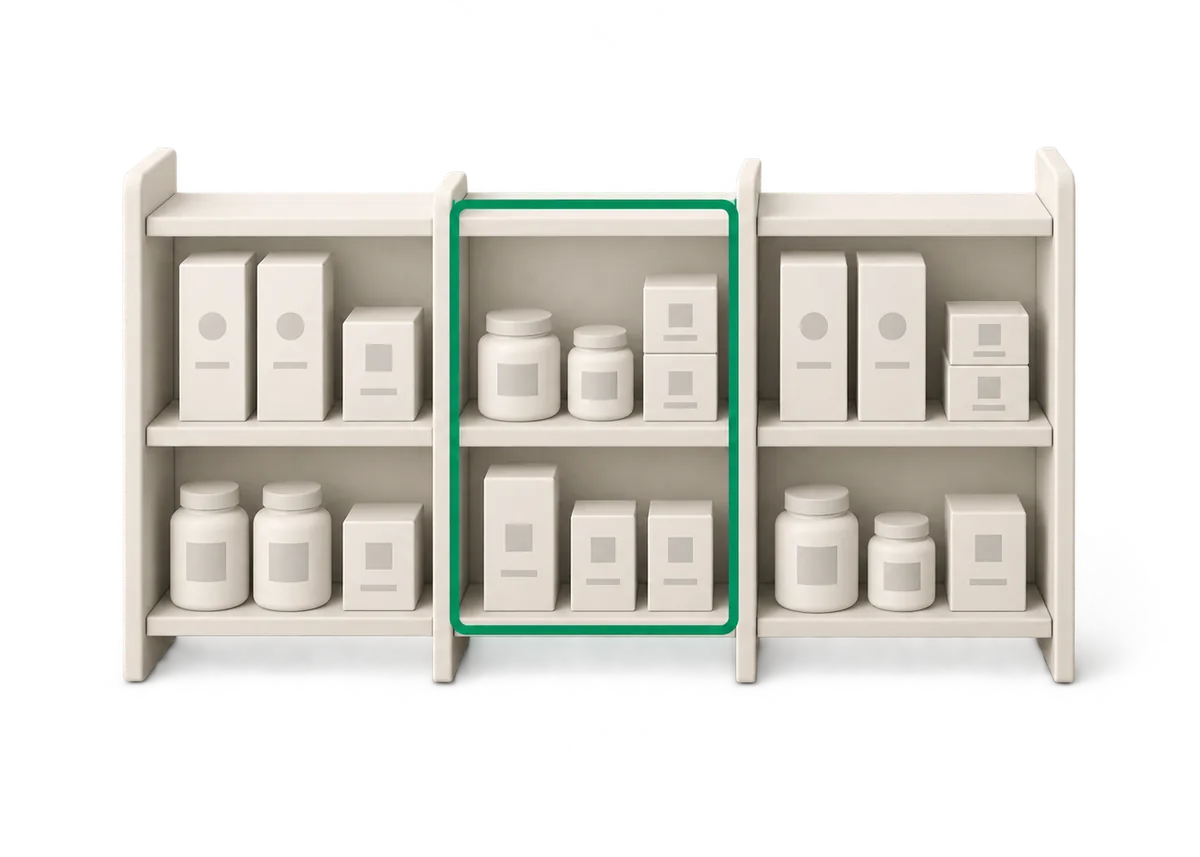
- By shelf or bay. Works when stock lives in fixed places. Count the whole bay and note which groups it holds.
- By supplier or collection. Good when a supplier's goods arrive and sit together.
- By a tag you invent. Tag the products in your slice with something like "cc-A1", "cc-A2", "cc-B7". It takes some setup, but one tag equals one slice, and the tag stays until you re-rank.
Pick the cut that gives the shortest walk. If a slice needs a person to visit four rooms, change the slice.
One catch before you count a slice: pack or set aside orders that are paid but not shipped. Shopify's help center says available stock does not include committed units, which covers units in unfulfilled orders (Understanding inventory states, checked 14 October 2026). A packed unit is on the shelf but not in available, and a tool that compares the shelf with available will report it as a difference.
Pull a line forward when something looks wrong#
The calendar sets the default. These events should put a SKU in this week's count, whatever its group:
- Shopify shows zero or negative stock, but a unit is on the shelf.
- A count of that SKU showed a large difference last time. We cover how to set the size of "large" in our variance and recount rules.
- A supplier delivered it short, damaged or with the wrong barcode.
- A transfer between locations arrived late or never.
- A batch of returns was processed in a hurry.
Write down why you pulled it forward. If the same SKU keeps showing up, the cause is a habit (a mislabeled bin, a case size that is wrong in your records), and a count will not fix a habit.
The mistake that makes the plan fail#
A team counts only the fast sellers, since those are the ones customers want. For a while that feels right.
The slow tail does not announce its errors. A slow seller sells once a month, so a wrong quantity can sit for a year. The first sign is an order for a unit that is not on the shelf, and by then the cause is long gone. This is why group C is counted twice a year, not never. It is also why the second list above exists: some slow SKUs drift faster than others, and the log tells you which.
Keep a log, then re-rank every quarter#
One line per count day is enough: date, group and slice, lines counted, lines with a difference, units of difference, and a note.
Read it every 13 weeks. If a group had differences in most passes, count it more often. If group A shows none in three passes in a row, move it from every 4 weeks to every 6. That rule is ours, based on the log you keep, not on a published benchmark. Re-rank the SKUs at the same time, because last year's winners are not always this year's.
When this plan does not fit#
Seasonal stores are the first problem. A product that sells a lot in November and nothing in July ranks low in a 12 month view of July, and the plan will count it too rarely just before it matters. Re-rank before each season. Binly does not forecast seasonal demand, so that call is yours.
Second, a rolling count may not satisfy your accountant. Some want one stock value at a fixed date. Our year-end counting article covers how to do that single count in a short window, and the rolling plan makes it quicker, because the quantities are already close.
Third, a store with 40 SKUs does not need a schedule. Count everything once a month and be done. Our stocktake guide covers that full count step by step.
Start this week. Rank the catalog, tag the first slice of group A, count it, and write one line in the log. Next week, count the second.
Frequently asked questions#
How often should I cycle count a Shopify store?
Count your top sellers every 4 weeks, the middle group every 13 weeks and the slow tail every 26 weeks. That is our starting rule, not a law. If a group keeps showing differences, count it more often. If it shows none for three passes in a row, stretch the gap.
Do I need to close the store to cycle count?
No. A cycle count covers one small slice, about 10 lines a day in the 600 SKU example, so it fits between customers. Sales that happen while you count are a normal part of the plan, so apply the result with a method that keeps them.
How many items should I count per day?
Divide the lines you need per year by 52 weeks, then by the days you count. In the 600 SKU example, 2,490 counts a year is 48 a week, which is 10 a day on five days. Time yourself on a real shelf and adjust.
Can cycle counts replace a yearly full count?
They can replace most of the work, but not always the paperwork. Some accountants and tax offices want one stock value at a fixed date. Ask yours before you drop the yearly count, and see our year-end article for how to do that count in one short window.