In this article
Give every variant a SKU you invent and a barcode a scanner can read. Build the SKU from short, fixed parts joined by hyphens, like MUG-014-BLU-12, and never reuse one. Put the barcode in Shopify's Barcode field, not in the SKU field. If the product arrives with a manufacturer's barcode, use that number. Make your own only for items that have none, and test it first.
SKU and barcode do different jobs#
A SKU (stock keeping unit) is a name for your own use. Shopify's help center describes SKUs as codes you use internally to track inventory and report on sales, and says barcodes are a separate thing (Shopify help: SKUs, checked 15 Oct 2026). Mostly your own team reads one.
A barcode is a number drawn as bars. Its job is to be read by a machine, often one you do not own. A supplier's warehouse, a marketplace listing and a retail till can all ask for it.
The two fields are not interchangeable. Shopify's POS scanner troubleshooting page says the number on the label must match the Barcode field, not the Sku field (Shopify help: scanner troubleshooting). A SKU typed into the Barcode field, or the other way round, is the quietest way to break a scan.
A SKU scheme in four parts#
Four parts cover most catalogs: category, product number, color and size.
MUG-014-BLU-12
 |    |    |   |
 |    |    |   size: 12 oz
 |    |    color: blue
 |    product number 14 within mugs
category: mug| SKU | Reads as |
|---|---|
| MUG-014-BLU-12 | Mug, product 14, blue, 12 oz |
| MUG-014-RED-12 | The same mug in red |
| MUG-014-BLU-16 | The same mug, blue, 16 oz |
| TEE-031-BLK-M | T-shirt, product 31, black, medium |
Variants multiply fast. A mug in 5 colors and 2 sizes needs 5 x 2 = 10 SKUs, and the scheme above gives all ten without thinking. Shopify says every variant needs its own SKU.
Now check the length. Shopify suggests about 16 characters at most, and says 4 to 8 may be enough for a small catalog.
MUG-014-BLU-12 = 3 + 1 + 3 + 1 + 3 + 1 + 2 = 14 charactersFourteen fits under 16. A three-digit product number gives 000 to 999, which is 1,000 products in each category. If you will pass that, use four digits from the start, because changing the width later means renaming every SKU.
Rules that keep it alive#
- Use hyphens between the parts, and no spaces or other symbols. Shopify advises against special characters and spaces because they cause search problems.
- Pick one case. Shopify says SKUs are case-sensitive when they sync with third-party apps, so "ABC123" and "abc123" count as two different codes. Uppercase everywhere is the easy rule.
- Keep letters in the letter slots and digits in the digit slots. Shopify warns about 0 and O, and 1 and I. In this scheme a 0 in the product number is always a zero.
- Keep price, cost and supplier out of the SKU. They change. The SKU must not.
- Never reuse a SKU, even for a product you dropped.
The last rule is the one stores break. Say a shop drops a mug and gives its SKU to a new product a year later. Now the sales history, the supplier orders and the cost records for two different mugs sit under one code, and no report can pull them apart. Retire the code and take a new number instead.
Manufacturer barcode or your own#
Use the barcode the manufacturer printed whenever the product has one. That number already identifies the product in every system that cares, and relabeling it adds work and a second code to keep straight.
GS1 is the organization that issues these numbers. GS1 US says every variation, such as a different size or flavor, gets its own unique item number (GS1 US: guide to UPCs). So the 10 mug variants above need 10 different barcodes, not one.
Your own barcode makes sense for stock that never leaves your shop and stockroom: things you make, or things bought without a code. Three rules apply:
- One number per variant, never shared.
- Use a format the scanner will accept, and make the number valid for it (next section).
- Never reuse a number once a label has gone on a shelf.
One range is built for this. GS1's prefix table lists numbers starting 20 to 29 as "Restricted Circulation Number" (ActiveBarcode copy of the GS1 table). We read the table on that copy, because gs1.org refused our request. As we understand it, the range is for numbers that stay inside one company or market, so an own-use code starting 20 will not collide with a brand's registered one. Confirm that with GS1 before you rely on it.
If you sell through retailers or marketplaces that ask for GTINs, an own-use number will not do. Get numbers from your national GS1 office and ask them for their price.
Shopify lets a variant carry up to 20 barcodes, each with a type such as GTIN or UPC (Shopify help: add or update products). That means a variant can hold the manufacturer's code and your own. Test one scan of the second code in whatever tool does your counting, because we have not tested that case.
Check digits: test a code by hand#
The last digit of an EAN-13, UPC-A or EAN-8 is a check digit. GS1's help page says it helps verify that the number was entered correctly (GS1 US check digit calculator). The method comes from a GS1 US worksheet: multiply each digit by 3 or 1, add the results, and subtract the sum from the next multiple of ten.
Take EAN-13 5901234123457. The first 12 digits are 5 9 0 1 2 3 4 1 2 3 4 5 and the check digit is 7.
Odd positions  (1st, 3rd, 5th, 7th, 9th, 11th): 5 + 0 + 2 + 4 + 2 + 4 = 17
Even positions (2nd, 4th, 6th, 8th, 10th, 12th): 9 + 1 + 3 + 1 + 3 + 5 = 22
Even positions times 3:                          22 x 3 = 66
Total:                                           17 + 66 = 83
Next multiple of ten: 90.   Check digit = 90 - 83 = 7
That matches the 7 at the end, so the code is valid.
An EAN-8 flips the weights. It runs 3, 1, 3, 1, 3, 1, 3 over its first seven digits. Take 96385074.
9x3 + 6x1 + 3x3 + 8x1 + 5x3 + 0x1 + 7x3
= 27 + 6 + 9 + 8 + 15 + 0 + 21 = 86
Check digit = 90 - 86 = 4
The last digit is 4, so it is valid. UPC-A is the same method as EAN-13 with a zero in front of its 11 data digits. Take the 11 digits 61414121022: odd positions 6 + 4 + 4 + 2 + 0 + 2 = 18, times 3 is 54, even positions 1 + 1 + 1 + 1 + 2 = 6, total 60. The check digit is 0, so the full UPC-A is 614141210220.
Now an own-use number that goes wrong. Say a shop numbers its items 40000001, 40000002 and so on, and prints them as eight-digit barcodes.
Item 40000012: first seven digits 4000001
4x3 + 0 + 0 + 0 + 0 + 0 + 1x3 = 12 + 3 = 15
Check digit = 20 - 15 = 5, but the code ends in 2
That code looks like an EAN-8 and is not a valid one. Any system that checks the digit can treat it as a misread. With no check at all, one random eight-digit number in ten passes by luck, which is why it can seem to work on the first test.
A check digit has limits. It catches a wrong digit. It does not catch every swap of two neighbors: 05 and 50 give the same check digit, since 0x1 + 5x3 = 15 and 5x1 + 0x3 = 5 differ by exactly 10. It also says nothing about whether the number belongs to your product.
Label size and print rules#
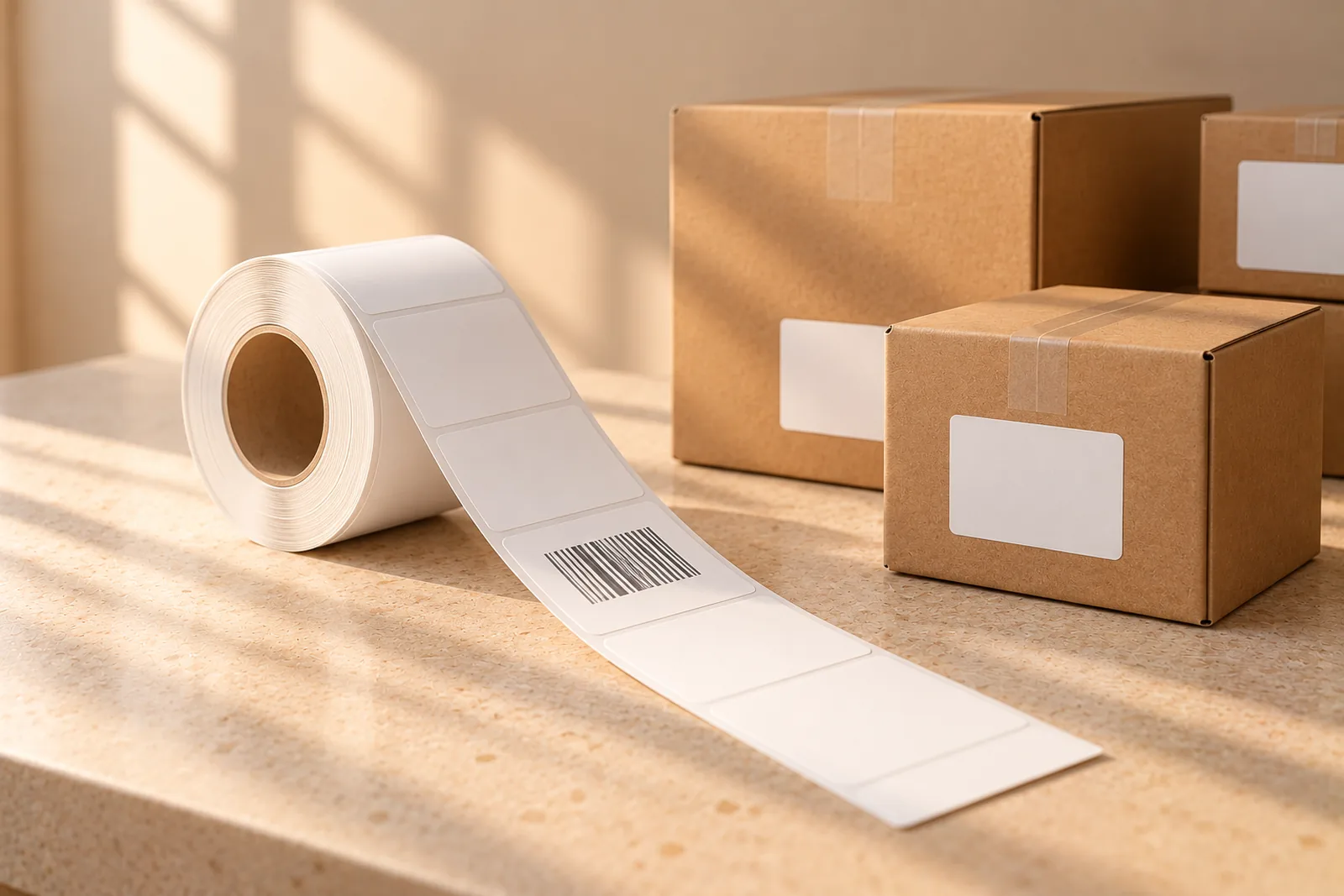
Pick the label by how the item is stored. A roll on a thermal printer suits a stockroom that labels boxes as they arrive. A sheet on a laser printer suits a shop that prints a batch of shelf labels at once.
| Label | Size | Format | Per page |
|---|---|---|---|
| Dymo 30334 | 2 1/4 x 1 1/4 in | Thermal roll | 1 |
| Zebra | 2 x 1 in | Thermal roll | 1 |
| Avery 5160 | 2 5/8 x 1 in | Laser sheet | 30 |
Sheet math decides how much stock you buy. Say you need 250 labels on Avery 5160.
250 / 30 = 8.33, so 9 sheets
9 x 30 = 270 labels, 270 - 250 = 20 left over
Shopify's fulfillment setup guide gives printing advice for product barcodes: at least 300 DPI, dark ink (avoid red and brown), the number printed under the bars, and a single test sheet before a big run (Shopify help: barcodes). It also says barcodes should be at least 1.5 inches wide by 1 inch tall. That page sits in Shopify's fulfillment section, and we have not confirmed that its size rule applies to shelf labels. A 1 inch label is below it, so test scans on your own label before you print 500.
Why scans fail: spaces, brackets, zeros and duplicates#
| What you see | Likely cause | Fix |
|---|---|---|
| The scan finds nothing, but the number looks right | Spaces, dashes or brackets stored in the Barcode field | Clean the field, or use a tool that ignores them |
| The scan finds nothing on a UPC label | Shopify holds the EAN-13 form with a leading zero | Match them, or store the same form on both |
| The number lost its zeros after a spreadsheet round trip | The column was a number, not text | Format the barcode column as text before you paste |
| The scan lands on the wrong product | Two variants share one barcode | Give all but one a new code |
| Scanning types digits but nothing happens | The scanner ends with Tab, not Enter | Set the scanner suffix to Enter |
| A bad read, bars look fine | Too small, too light or a blurry print | Reprint at 300 DPI or better |
A few of these need more than a row.
Brackets and spaces. A supplier prints a number in groups, like (425)1933400528, and someone types it that way into Shopify. The scanner sends 4251933400528. Shopify's POS troubleshooting page tells you to remove extra zeros or special characters at the start or end of the number.
Leading zeros. A UPC-A has 12 digits and the same product as an EAN-13 has a zero in front. 012345678905 and 0012345678905 are one product written two ways. Open a barcode CSV in a spreadsheet and save it, and the zeros can vanish, so 012345678905 becomes 12345678905. Long numbers can also turn into scientific notation. Set the column to text before you touch it.
Duplicates. A supplier that reuses one barcode across a size run is the common source. Sort your exported barcode column and duplicates sit side by side. Fix them one group at a time, as the next section shows.
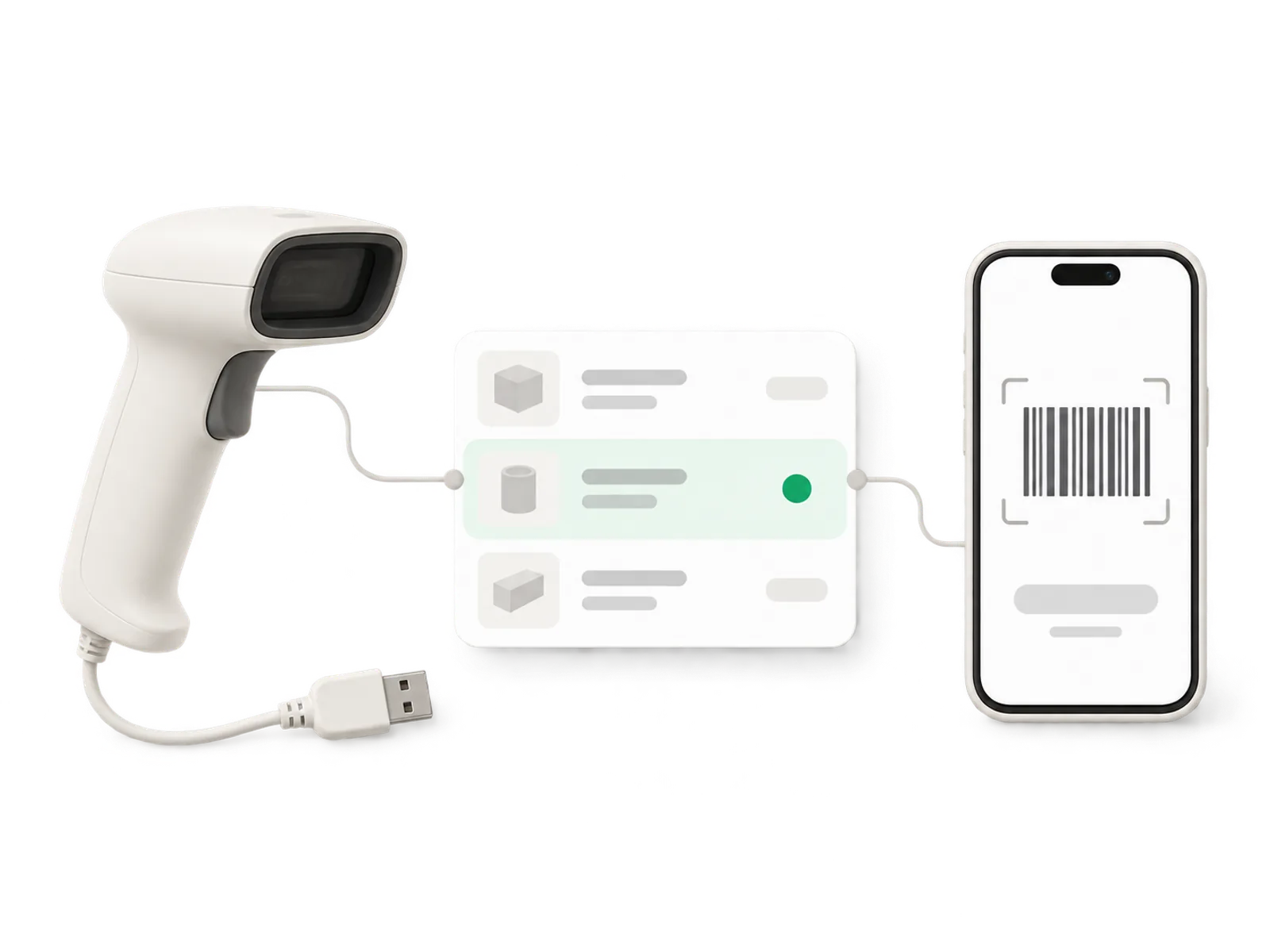
Scanner suffix. A USB scanner is a keyboard as far as your computer can tell. It types the digits, then a key. Binly's scan box submits when it sees Enter, so a scanner set to send Tab types the digits and waits.
Fixing a catalog that already has bad codes#
You do not need a clean sheet. Work through the catalog in this order:
- Export your variants to a spreadsheet, with the barcode column set to text.
- Sort by barcode and mark every value that appears twice.
- For each duplicate group, let the item with the most stock keep the code. Its labels are on the most shelves, so relabeling it costs the most.
- Give the others new codes, from your own range or from the manufacturer, and reprint their labels.
- Look for eight-digit values and test each with the EAN-8 method above. The ones that fail were not registered barcodes.
- Scan three products of each type and confirm each lands on the right variant.
Do not skip step 6. The point of the work is a scan that lands on the right item, not a tidy sheet.
Where this advice stops#
A valid check digit proves a number is well formed. It does not prove the number is unique in your catalog, or that no one else owns it. Our own-use advice also stops at the edge of your shop: the moment a retailer or marketplace asks for a GTIN, you need GS1 numbers, and those cost money.
We cannot test your printer, and a label that scans on your desk can fail at the shelf. Print a test sheet and scan it from where your team will stand. Our page on barcode labels for Shopify lists the label layouts it prints.
Next time you create a product, write its SKU and barcode into one sheet before you enter them in Shopify. Our guide on why Shopify does not match the shelf shows what a bad code costs you later, and the barcode scanner page covers the scanning side.
Frequently asked questions#
What is the difference between a SKU and a barcode?
A SKU is a code you invent to track and report on your own inventory. A barcode is a number printed as bars so a scanner can read it. Shopify's help center treats them as separate fields, and its POS scanner guide says the number on the label must match the Barcode field, not the SKU field.
Can I make my own barcodes for Shopify?
Yes, for stock that stays in your own shop and stockroom. Use a number that is valid for the format you print, and never reuse one. If you sell through retailers or marketplaces that ask for GTINs, get your numbers from your national GS1 office instead.
How do I check that an EAN or UPC is valid?
Multiply the digits by 3 and 1 in turn, add them up, and see whether the check digit brings the total to a multiple of ten. For EAN-13 5901234123457 the total is 83, and the check digit 7 makes 90. A code that fails is a typo or an internal number, not a registered barcode.
How many barcodes can one Shopify variant have?
Up to 20. Shopify's help center says you can add up to 20 barcodes to a product or a variant, each with a type such as GTIN or UPC. Test one scan of a second barcode in your counting tool before you rely on it.
Should I use Code 128 or EAN-13 on my labels?
Use EAN-13 or UPC-A when the code is a real 13 or 12 digit product number. Use Code 128 for internal codes, including letters and hyphens. Shopify's fulfillment guide lists Code 128 as a non-GTIN format used in warehousing.