shopify purchase orders app

A Shopify purchase orders app for what actually arrives

The supplier sent half the order, the price changed and the invoice is still missing. Binly brings purchase orders, receiving, partial deliveries and supplier cost checks into your Shopify inventory routine, so you can deal with each delivery as it arrives.

Free plan available. 7-day free trial on paid plans, no card required.

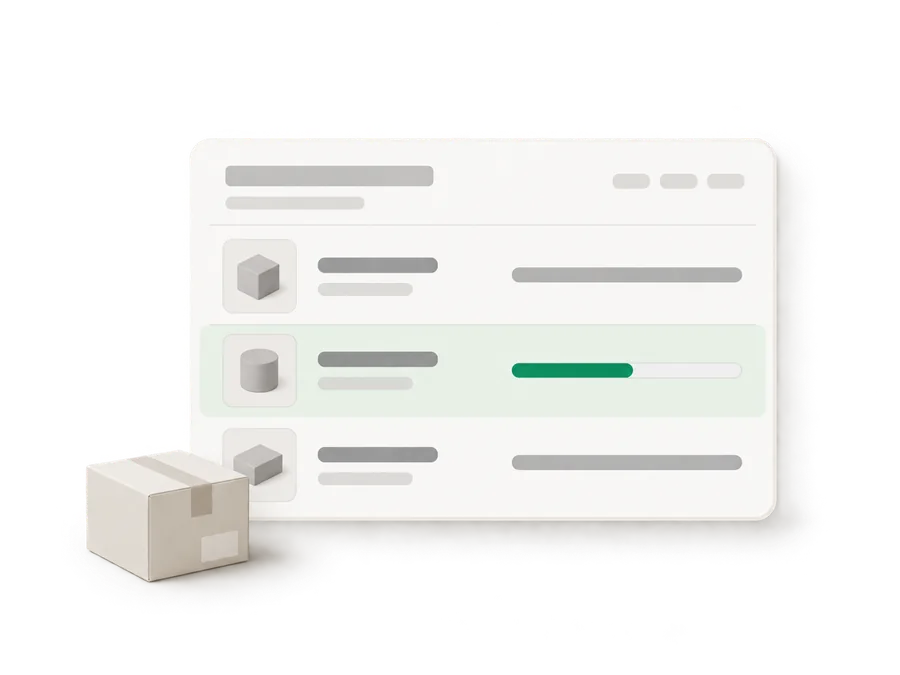
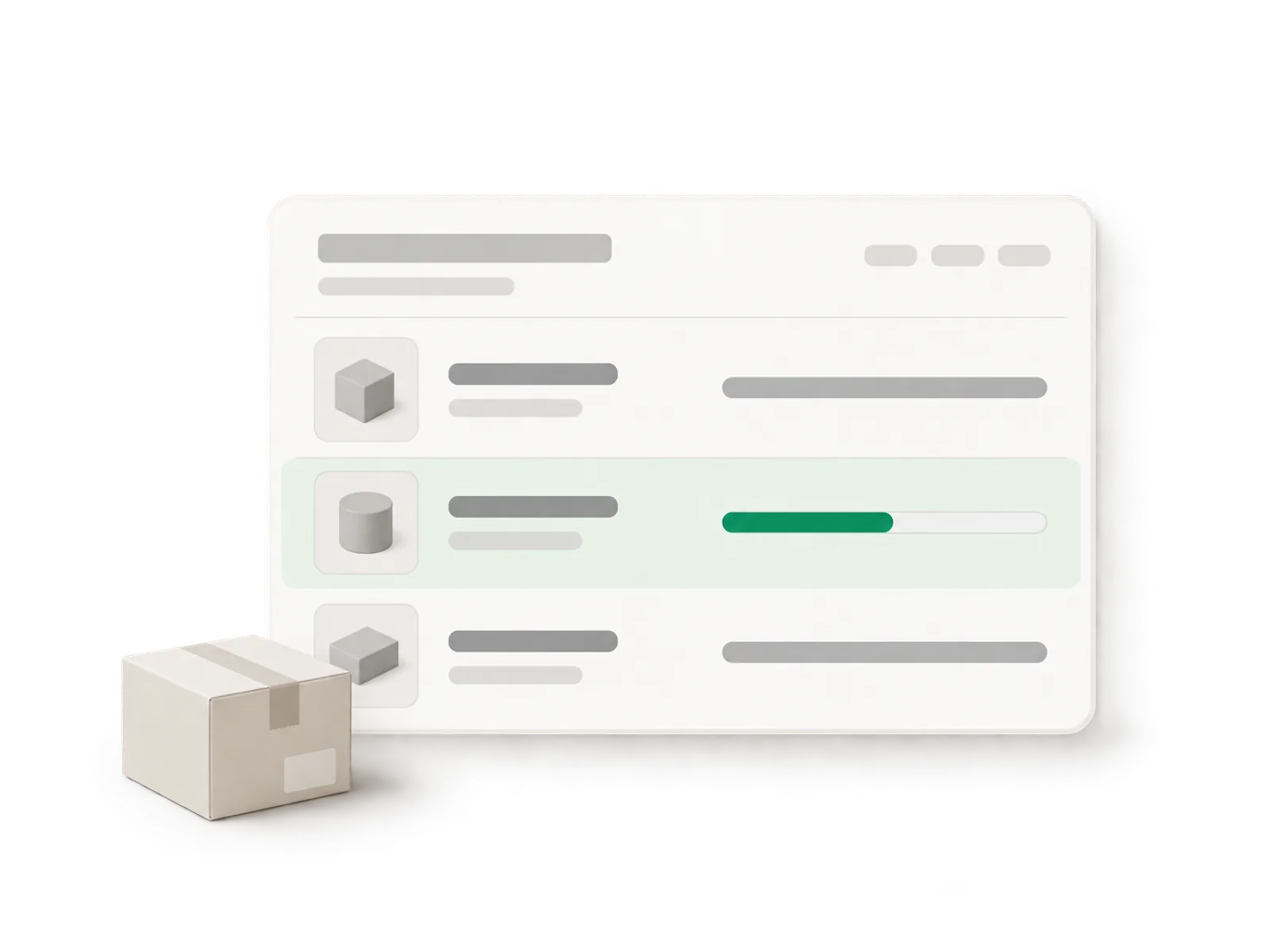
Illustration of a purchase order card with three delivery rows, the middle one shown partially received in green
Live ยท partial delivery received
21,000

variants synced in under a minute

100,000+

lines counted in a single stocktake

7

days of Pro, free on install

How it works

Built around the shelf you are looking at

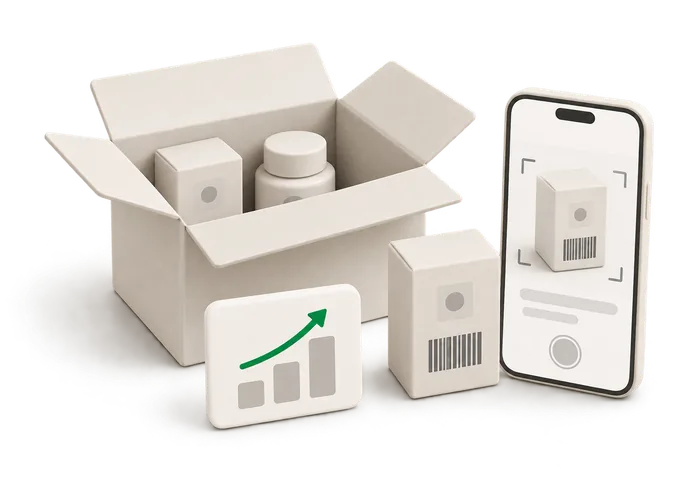
Illustration of an open delivery box being scanned unit by unit

Keep the order and the delivery distinct

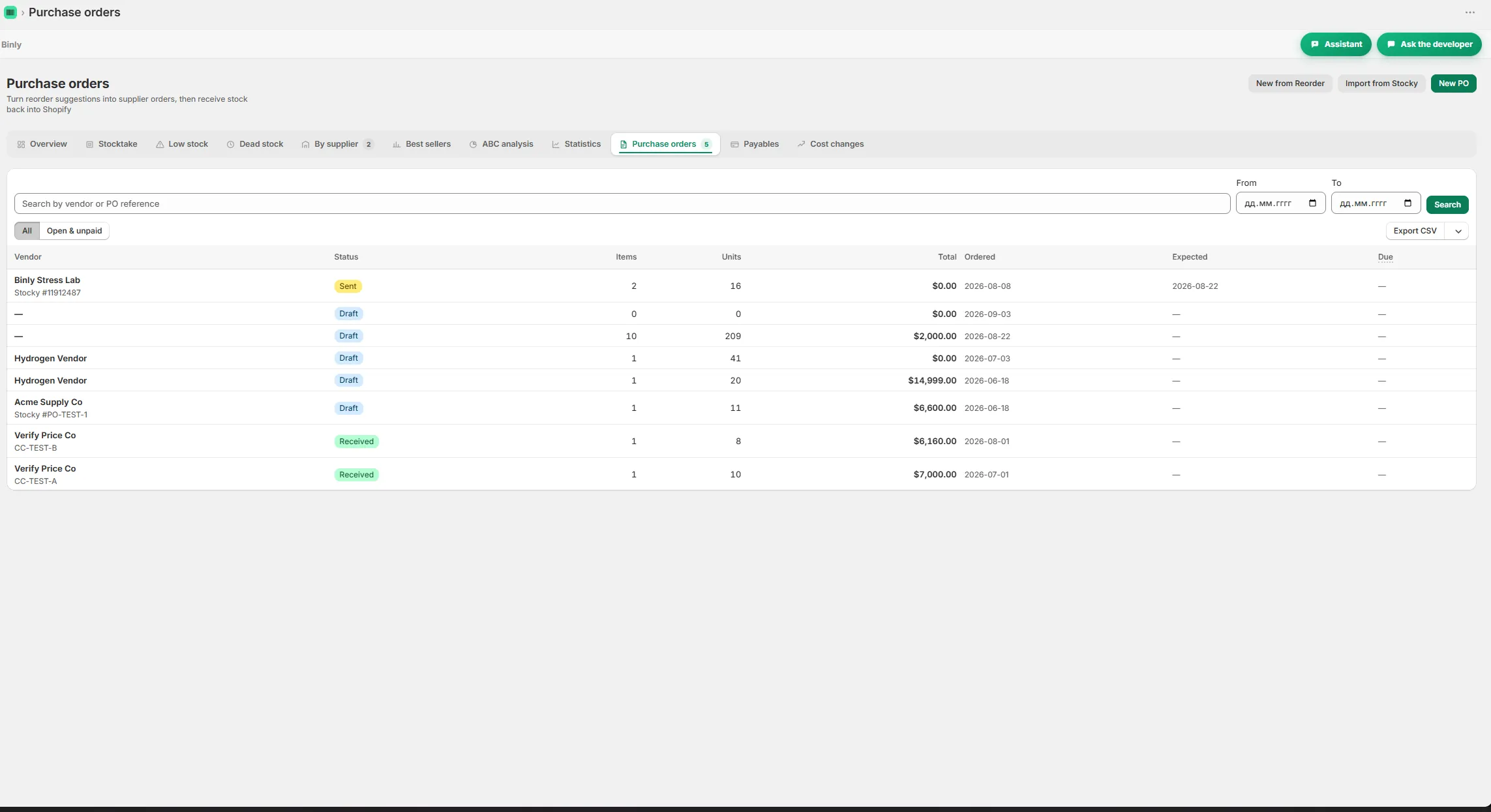
A purchase order says what you expect. The delivery tells you what is here. Imagine a kitchenware store ordering mugs and matching plates, then receiving the mugs while the plates are delayed. Treating the whole order as received would leave Shopify showing stock you cannot sell from the shelf. Binly purchase orders support receiving and partial deliveries. You can work with the shipment in front of you and receive the rest when it arrives.

  • Per delivery cost is also supported, which matters when an order reaches you in separate deliveries.
  • Keep the unopened cartons and the checked items apart during receiving.
  • The app supports partial deliveries.
Read more

Per delivery cost is also supported, which matters when an order reaches you in separate deliveries. For supplier orders Shopify merchants need to track, start with a simple question: can the workflow handle an ordinary delivery that is incomplete? That is a more useful test than looking only at how the order looks when first created. Keep the unopened cartons and the checked items apart during receiving. The app supports partial deliveries, and a clear unpacking routine helps make sure the recorded quantity describes the goods you have actually handled.
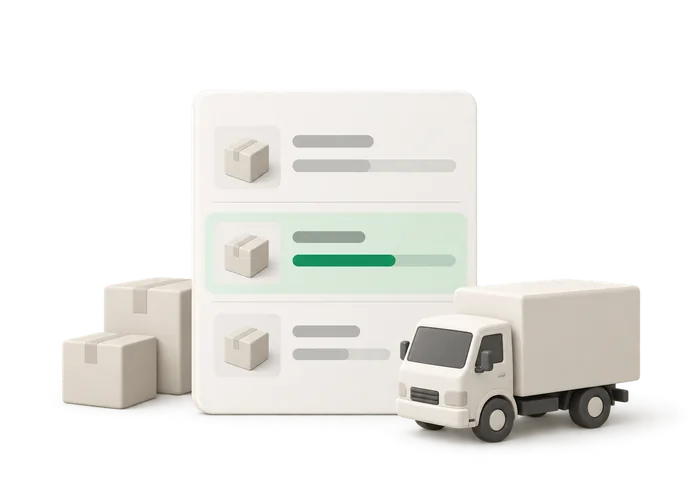
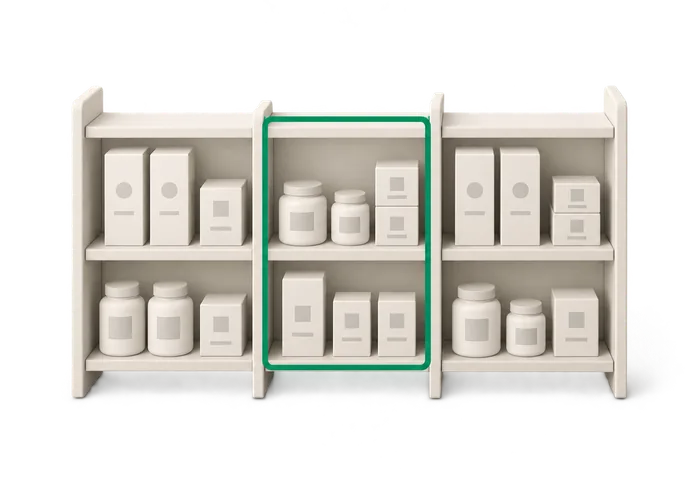
Illustration of a purchase order card with a partially received delivery row

Receive against a purchase order by scanning each unit

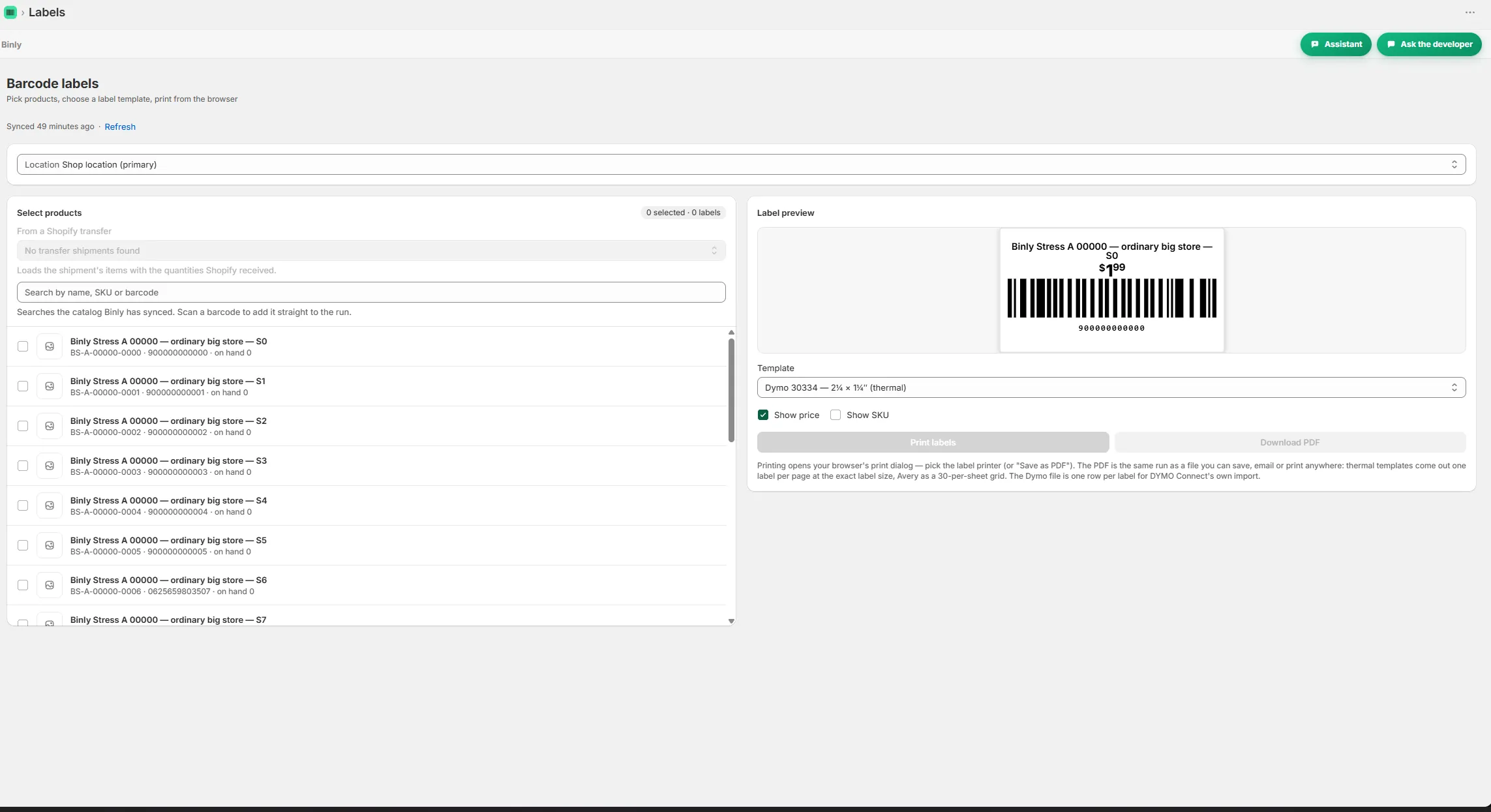
Consider a stationery store expecting notebooks in several cover colors. The box is mixed, and one color has not arrived. Work through the actual products instead of adding the full quantity from the order to Shopify. In Binly, receiving by scan works inside a purchase order: Open the relevant purchase order for receiving. Scan each unit from the incoming box.

  • Each scan adds one.
  • Apply the new quantities to Shopify with one tap.
  • If this is a partial delivery, handle the units that arrived and receive the remainder later.
Read more

Each scan adds one. Check the received quantities against the products you have unpacked. Apply the new quantities to Shopify with one tap. If this is a partial delivery, handle the units that arrived and receive the remainder later. You do not need to pretend the missing cover color is already on the shelf. I would test this exact situation before settling on a purchase order app. A complete, tidy delivery is the easy example. A mixed box with something missing tells you more about whether the receiving routine fits the way your suppliers work.

Illustration of a shop shelf split into a counted section and an uncounted section

Reorder with the supplier's actual delivery history in mind

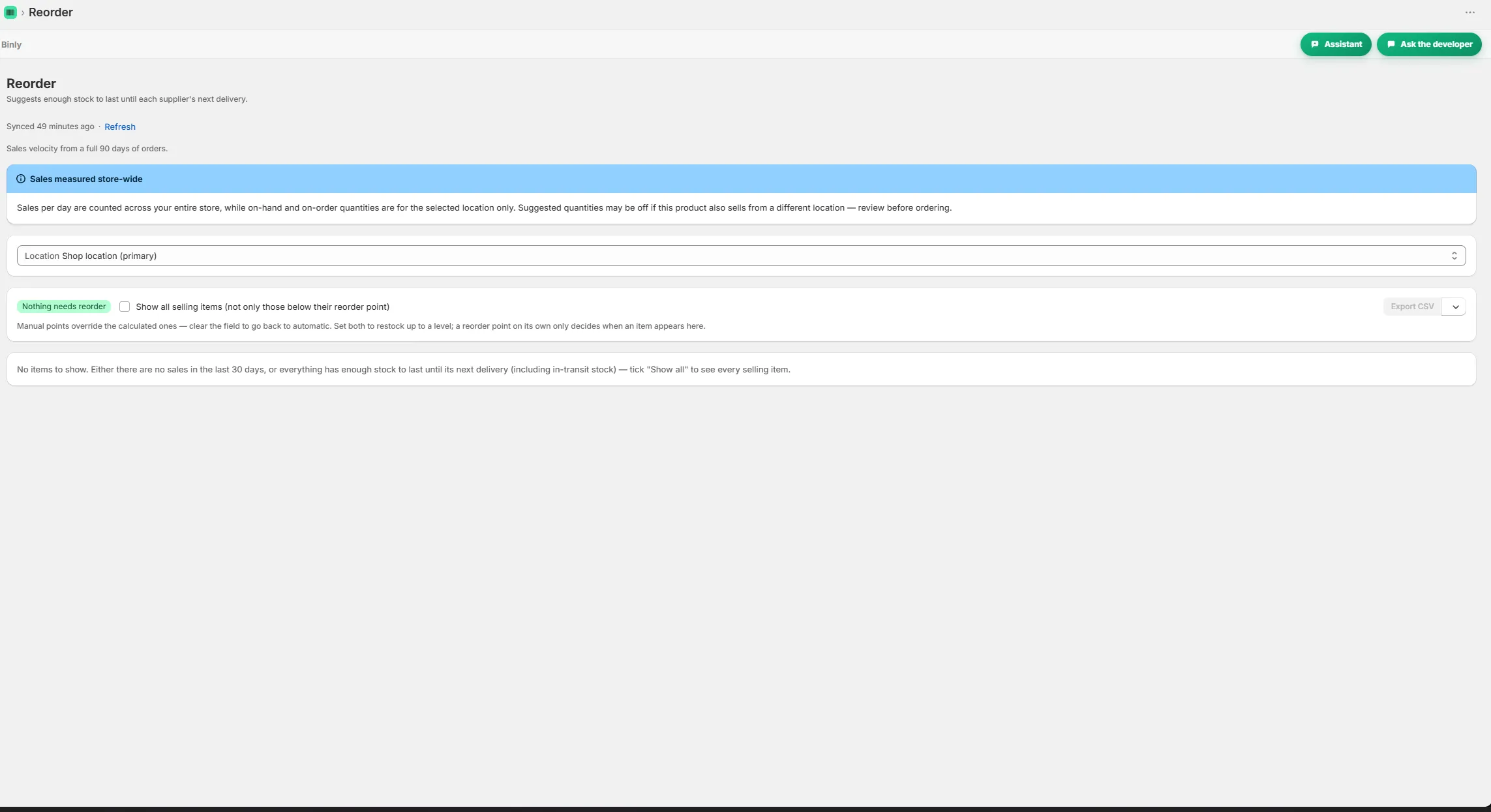
A low stock number means different things for different products. Picture a grocery store buying locally made jam and imported tea. The shelf might look equally low for both, but the time needed to replace them can be very different. Binly includes email low stock alerts, reorder points and reorder suggestions that use real supplier lead times from past deliveries.

  • The delivery history contributes to the suggestion.
  • A Shopify reorder app should support that decision without making it feel inevitable.
  • Use the suggestions alongside those facts, then place an order that makes sense for the shop.
Read more

That gives you more context than a threshold alone. The delivery history contributes to the suggestion. If you are looking for a reorder point app, begin with the products you cannot afford to overlook. Check their physical quantities, look at the reorder points and review the supplier history before deciding what to buy. A Shopify reorder app should support that decision without making it feel inevitable. You still know whether a display is being retired or a seasonal promotion is about to finish. Use the suggestions alongside those facts, then place an order that makes sense for the shop.

Illustration of a receipt with a landed cost calculation and a changed supplier price

Notice cost changes before month end

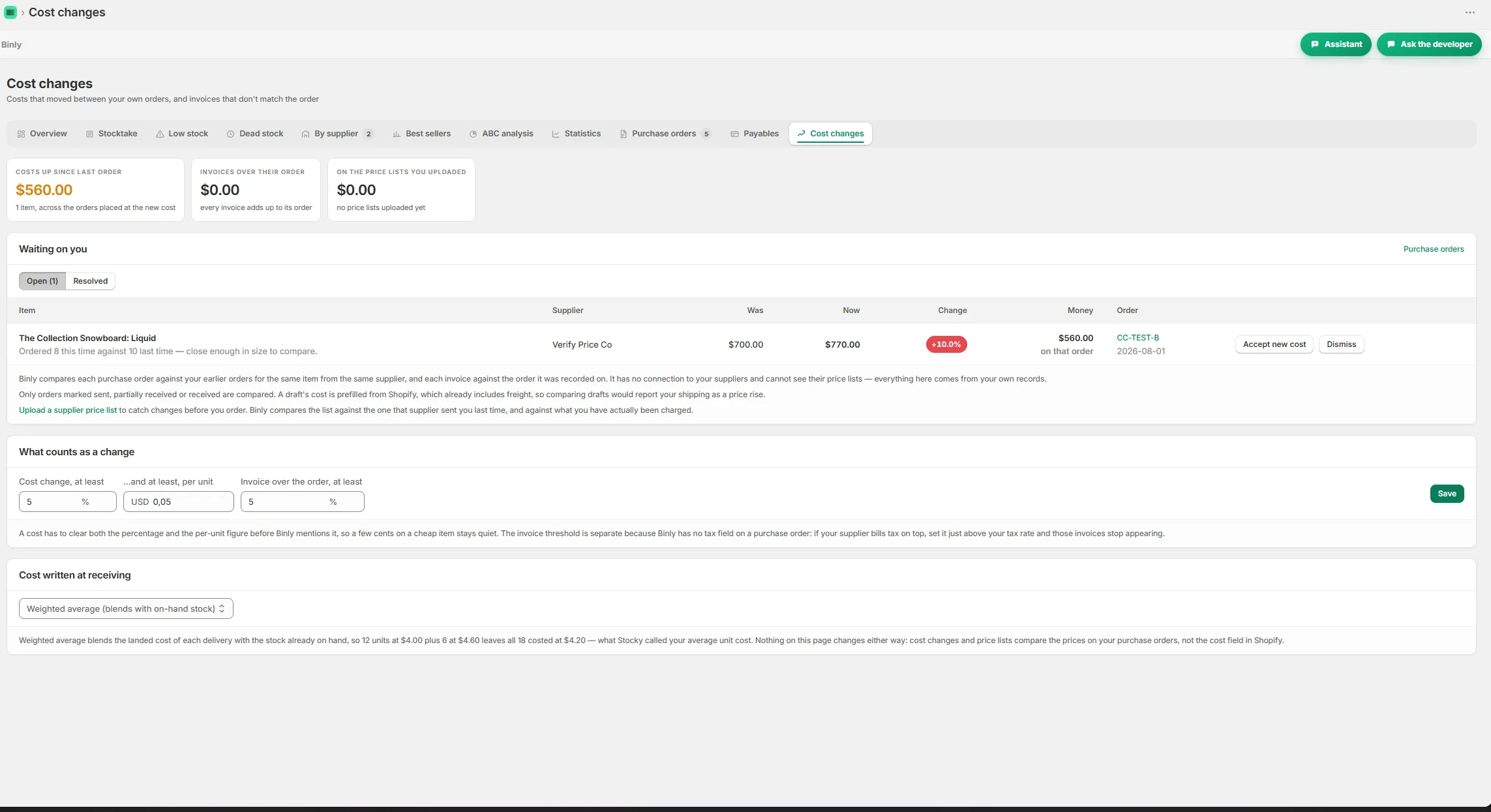
Suppose a home goods supplier raises the price of a refill bottle between deliveries. The bottles look identical on the shelf, but the purchase cost has changed. If the invoice also arrives late, it is easy to carry the old assumption into your month end work. Binly includes supplier price lists, cost change alerts and late invoice flags. Purchase orders support per delivery cost, and the app also provides weighted average cost and month end COGS.

  • Those features give the person handling stock specific things to check.
  • The point is to bring those details into the routine while the shipment is still familiar.
  • Stocky shut down on August 31, 2026.
Read more

Those features give the person handling stock specific things to check. Compare the changed supplier price, deal with the delivery cost and follow up on the late invoice. The point is to bring those details into the routine while the shipment is still familiar. If you are moving from Stocky, Binly can import saved CSV files for suppliers, purchase orders and receipts. Stocky shut down on August 31, 2026. That import is worth checking before you start recreating the same purchasing history by hand.

Start to finish

From install to your next reorder

Open

Open the relevant purchase order for receiving.

Scan

Scan each unit from the incoming box. Each scan adds one.

Check

Check the received quantities against the products you have unpacked.

Apply

Apply the new quantities to Shopify with one tap.

Inside Binly

See the screen behind the workflow

Click a tab to see that screen inside Binly.

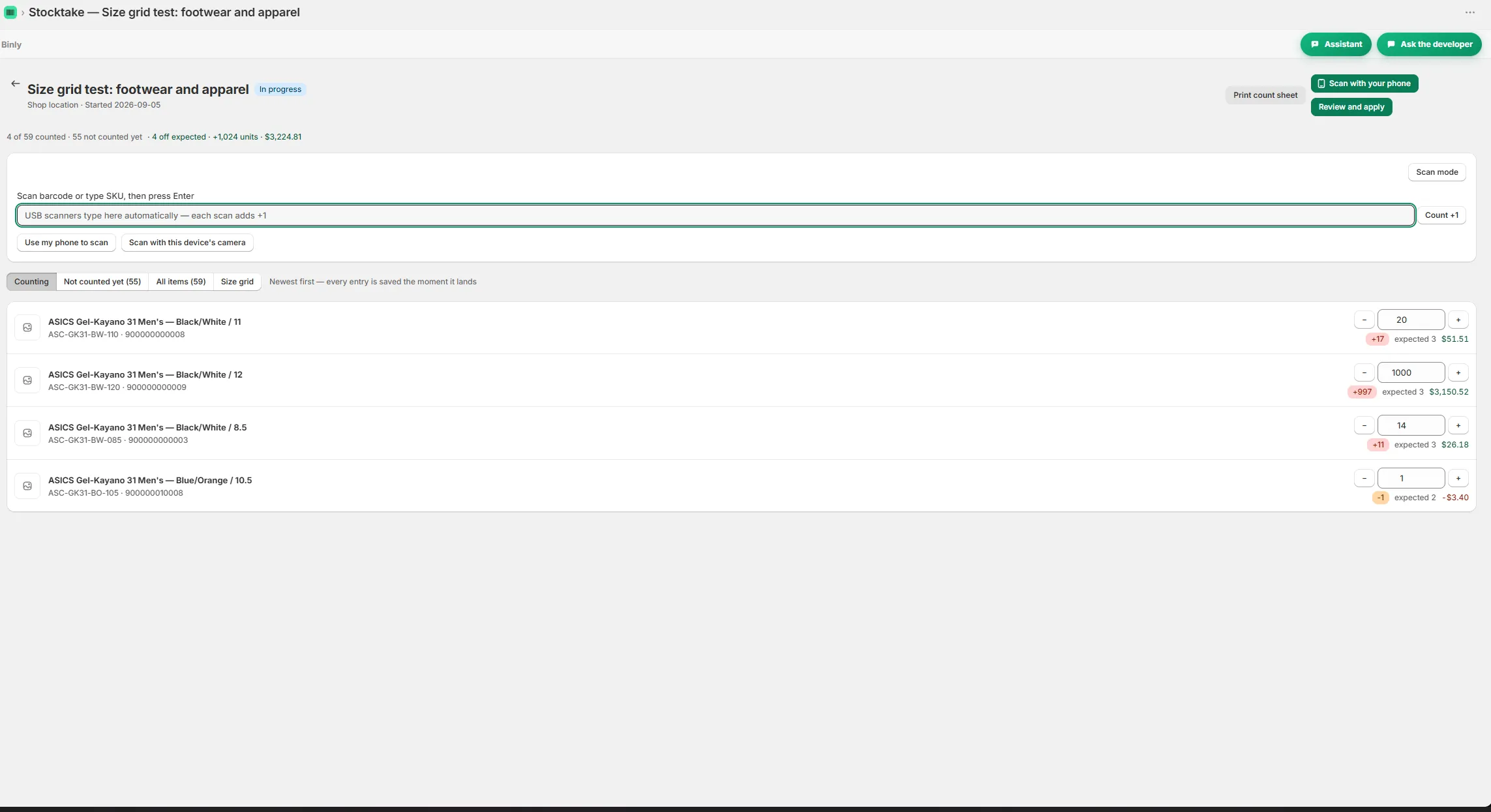
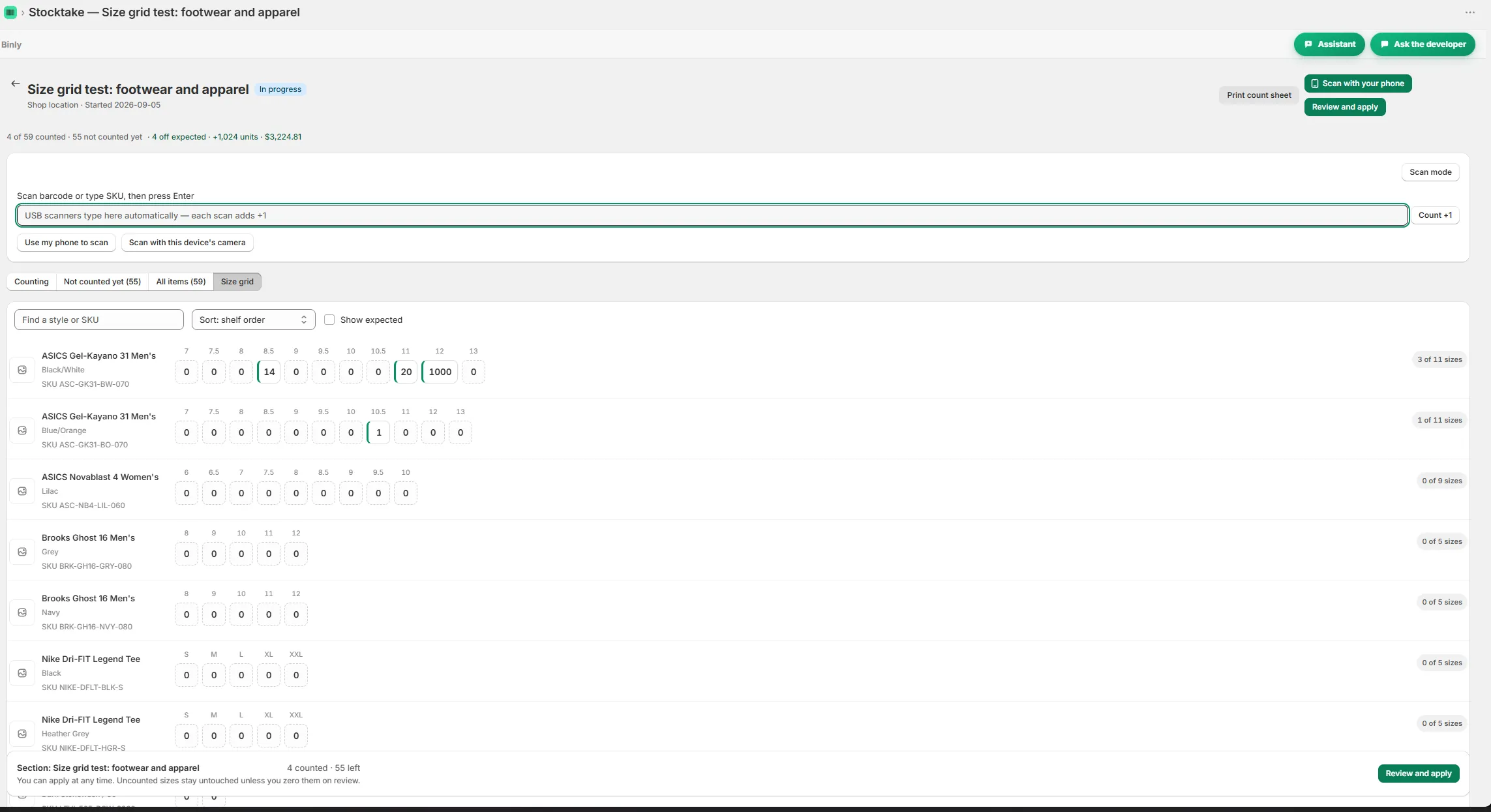
Counting a shelf with live variance while scanning Size grid view for counting variants by size Reorder suggestions grouped by supplier with lead times A purchase order with receiving and a partial delivery Barcode and price labels ready to print A cost change alert comparing supplier prices

Pricing

Simple, honest pricing

Plans are Free for small shops, Starter at $19/month or $190/year, Pro at $39/month or $390/year, and Growth at $99/month or $990/year. A 7 day Pro trial starts on install. A typical small shop managing supplier orders should evaluate Starter first among paid options, confirming access to its required purchasing features. Compare Pro and Growth for any additional needs. Cancel any time, with no contracts.

Free

Start counting today.

$0

free forever, no card

  • Barcode stocktakes on your full catalog
  • Live variance in units and dollars
  • Low stock alerts by email
  • No credit card required
Add Binly to Shopify

Pro

For larger or multi location stores.

$39/mo

or $390/yr

Everything in Starter, plus

  • No catalog cap, every product you have
  • All your locations plus stock transfers
  • Landed cost and weighted average cost
  • Inventory value report (CSV)
Start 7-day free trial

Growth

For stores that live by their purchase orders.

$99/mo

or $990/yr

Everything in Pro, plus

  • Supplier price lists and cost change alerts
  • Order by dates from real supplier lead times
  • Month end COGS pack
  • Done for you Stocky migration
Start 7-day free trial

Prices in USD, billed through Shopify. Change or cancel any time, no contracts.

FAQ

Questions people ask before they install

Can I stop tracking purchase orders in Google Sheets?

Binly covers purchase orders, receiving, partial deliveries and per delivery cost, so those tasks can move into the app. You may still prefer a spreadsheet for your own buying notes. Test an actual partial delivery and a supplier cost change before deciding which parts of your current sheet you no longer need.

Does Binly handle stock for Shopify POS stores?

Yes. Binly works with Shopify POS stores and supports multiple locations. Receiving by scan writes new quantities to Shopify with one tap. For a physical store, try the process with a real incoming box so the person receiving stock can check that the routine fits the way deliveries are unpacked.

Can I count stock with my phone or a USB scanner before reordering?

Yes. Binly supports stock counts with a phone camera or USB barcode scanner. Count the shelf you are about to replenish, review the variance report and apply the count to Shopify. That gives you a checked physical quantity before you review reorder suggestions or decide what the next supplier order should contain.

Can I receive a purchase order in separate deliveries?

Yes. Binly purchase orders support partial deliveries and per delivery cost. Receive the units that have arrived rather than treating the whole order as complete. Receiving by scan also works inside a purchase order, with each scan adding one and one tap writing the new quantities to Shopify.

How does Binly decide when I should reorder?

Binly provides reorder points, email low stock alerts and reorder suggestions that use real supplier lead times from past deliveries. Review those suggestions alongside what you know about the shop, such as an upcoming promotion or a range you are discontinuing. A suggestion helps inform the buying decision; you still decide what to order.

Try it on a real shelf today

Try your next supplier delivery in Binly, including the items that arrive later.

Install free on Shopify Free to start · Starter $19/mo · Pro $39/mo · Growth $99/mo · Cancel any time
Illustration of a purchase order card with three delivery rows, the middle one shown partially received in green