shopify inventory software

Shopify inventory software for the work behind the numbers

Stock problems rarely arrive one at a time: a shelf is wrong, a delivery is short and a supplier price has changed. Binly brings counting, receiving, purchase orders, replenishment and inventory reports into the day to day work of running a Shopify store.

Free plan available. 7-day free trial on paid plans, no card required.

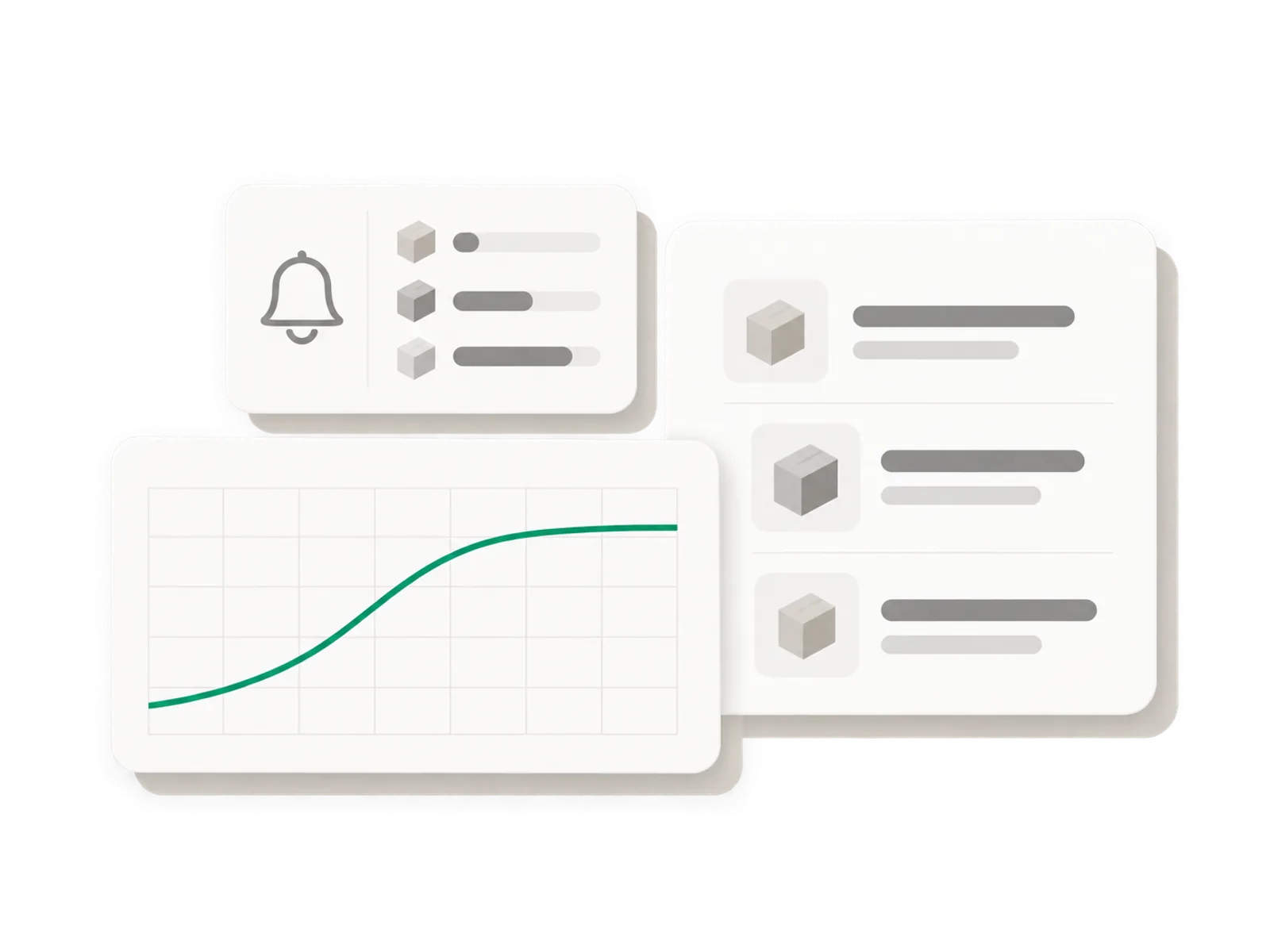
Illustration of three dashboard cards: a low stock bell, a reorder list and a rising cost trend line
Live ยท counts, receiving, reorders
21,000

variants synced in under a minute

100,000+

lines counted in a single stocktake

7

days of Pro, free on install

How it works

Built around the shelf you are looking at

Illustration of a variance report card with one flagged row before it is applied

Start by checking what is physically there

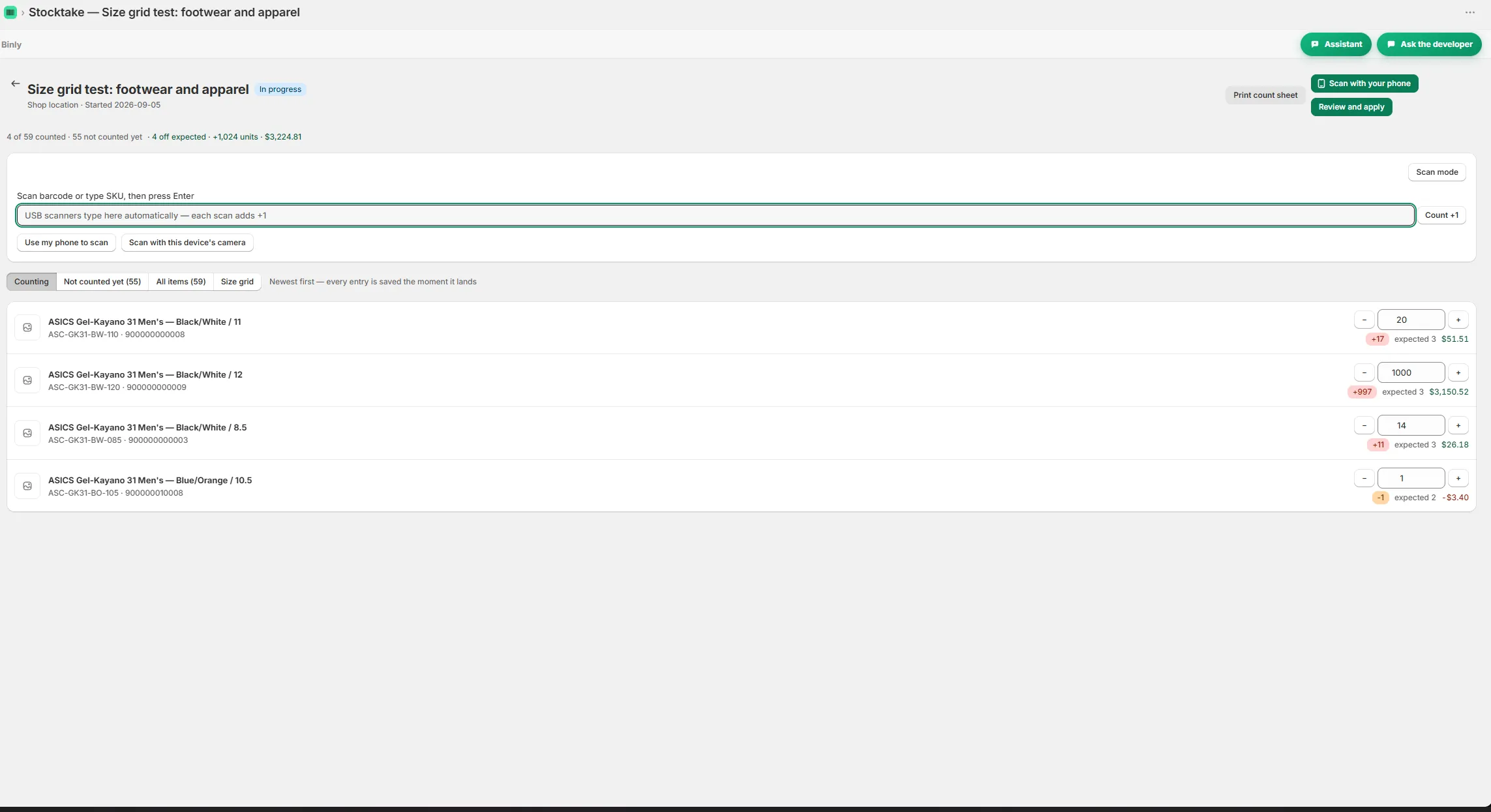
Imagine an outdoor store where the inventory number says a rain jacket is available, but staff cannot find the right size. Before making another buying decision, check the rail and the spare stock. A report cannot count a jacket that somebody has put in the wrong place. Binly lets you count the whole store or one shelf or section. For a focused check, choose the area, count with a phone camera or USB barcode scanner, review the variance report, investigate the differences and apply the result to Shopify with one tap.

  • Several people can count at once.
  • That is a useful first test of an inventory management app for Shopify.
  • Pick a real mismatch and follow it through to a checked result.
Read more

Several people can count at once. If one person checks the sales floor while another works in the stockroom, agree who owns the products waiting between those areas. That is a useful first test of an inventory management app for Shopify. Pick a real mismatch and follow it through to a checked result. You should understand the numbers you are about to apply before moving on to the next stock job.
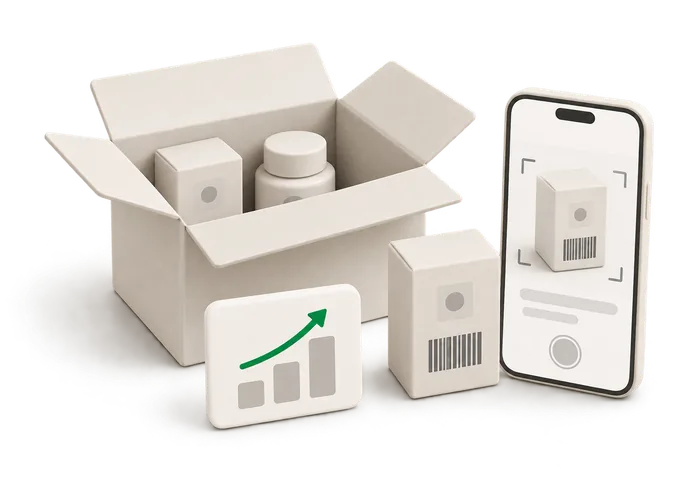
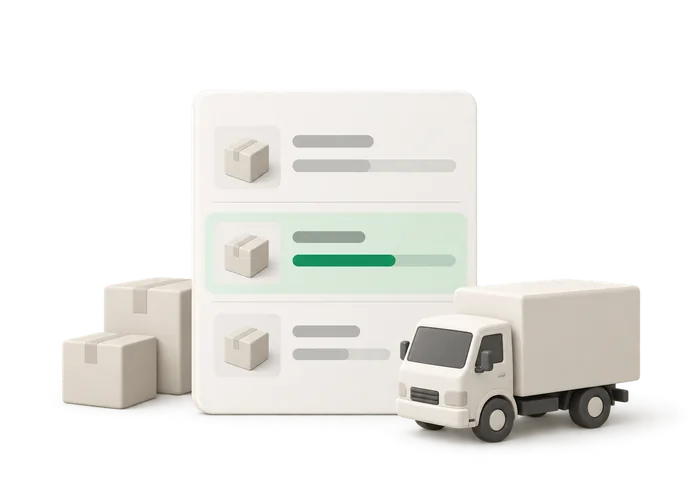
Illustration of an open delivery box being scanned unit by unit

Receive the delivery, including the awkward parts

Now suppose the outdoor store receives socks and bottles from a supplier, but the hats on the same order are missing. The receiving job should describe that box, not the complete order you hoped would arrive. Binly supports receiving by scan. Scan each incoming unit, every scan adds one, and use one tap to write the new quantities to Shopify.

  • This works on its own and inside a purchase order.
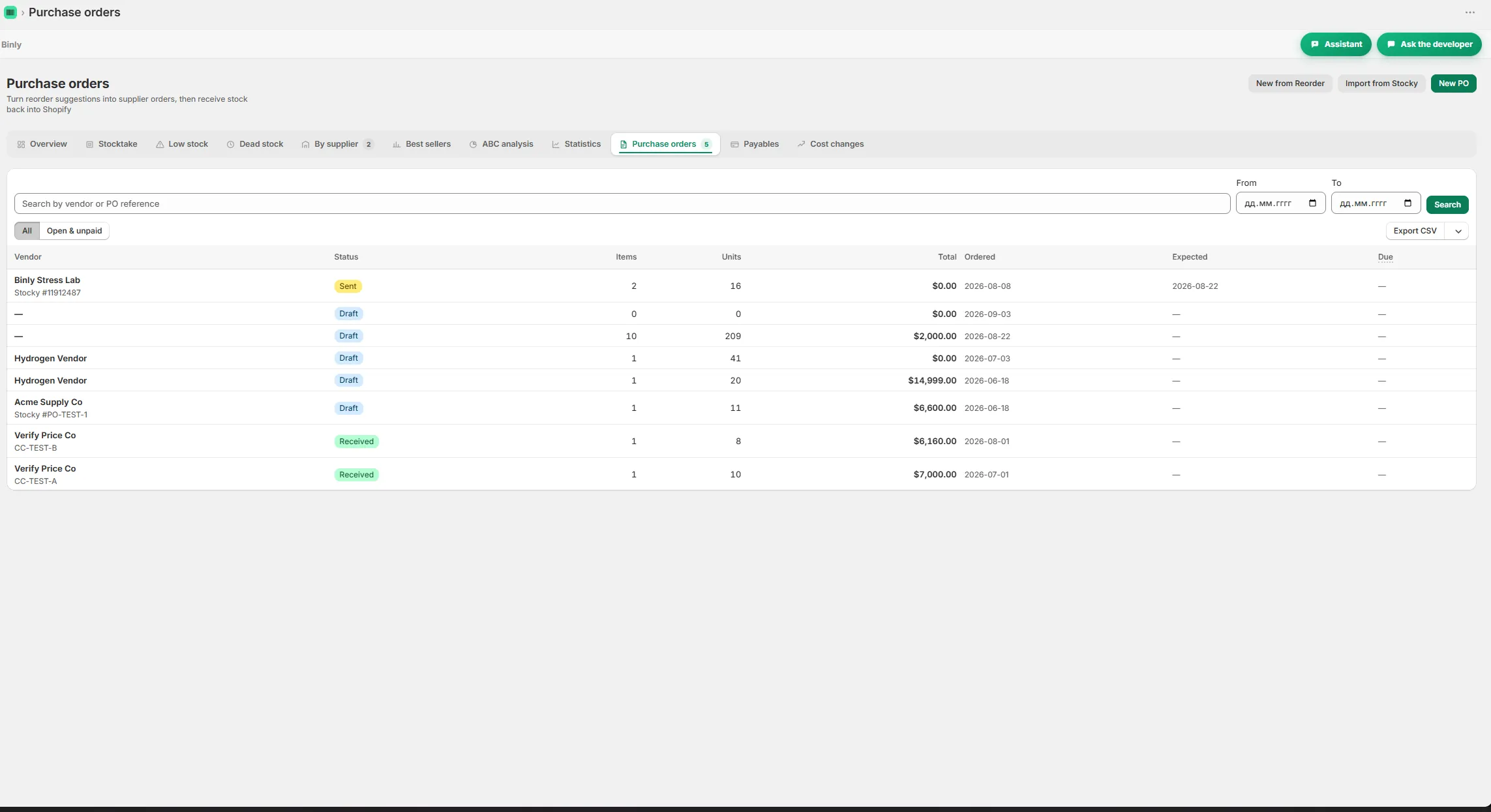
  • Purchase orders include receiving, partial deliveries and per delivery cost.
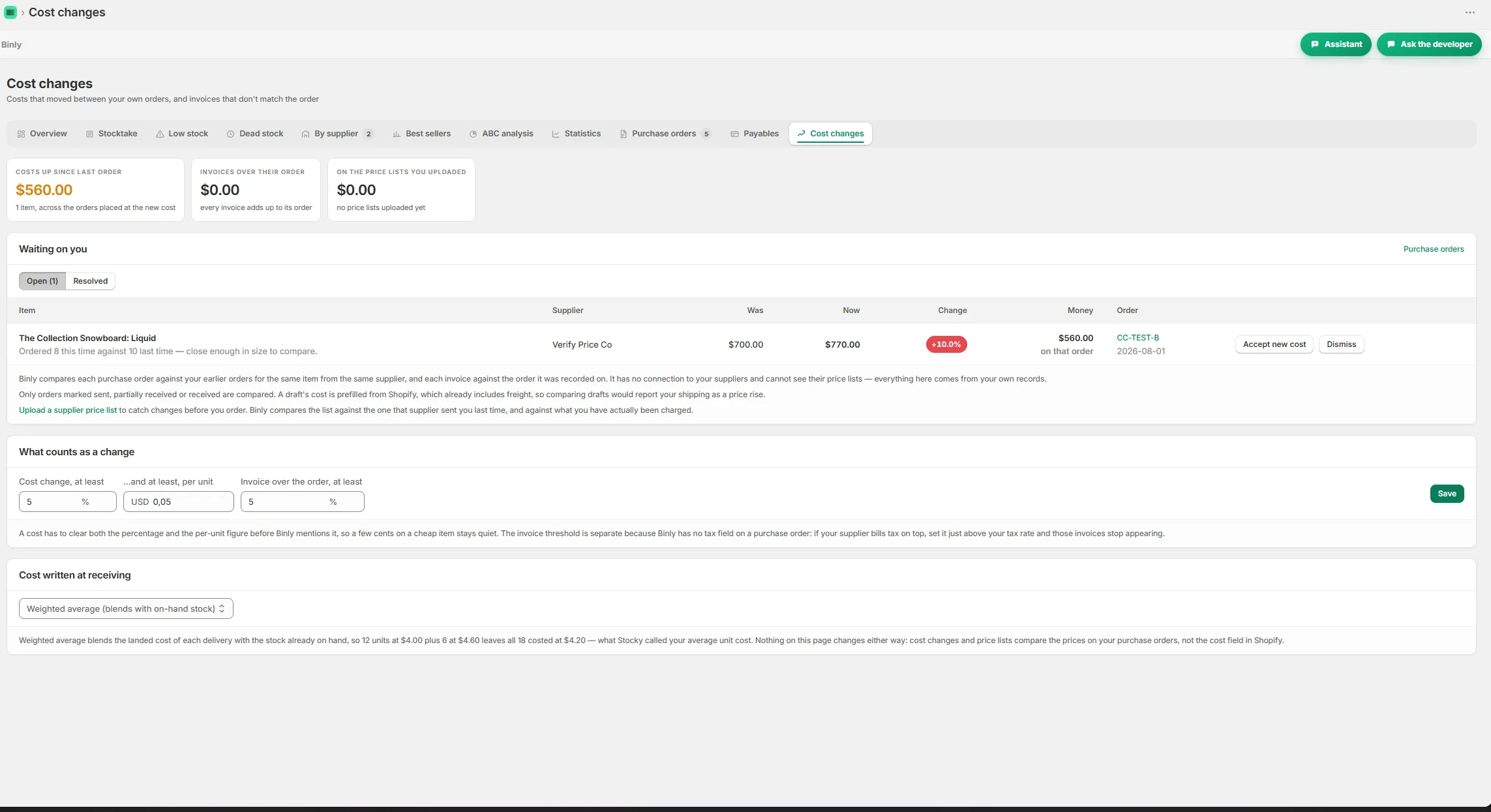
  • For supplier cost questions, Binly also includes price lists, cost change alerts and late invoice flags.
Read more

This works on its own and inside a purchase order. Purchase orders include receiving, partial deliveries and per delivery cost. You can deal with the stock that is here and receive the remainder later. Keep checked products apart from the unopened part of the shipment while working through it. For supplier cost questions, Binly also includes price lists, cost change alerts and late invoice flags. If the bottle price changed and the invoice is delayed, those are details to investigate while you still remember the delivery. They belong in the stock routine alongside the physical quantities.

Illustration of a purchase order card with a partially received delivery row

Decide what to buy and what to move

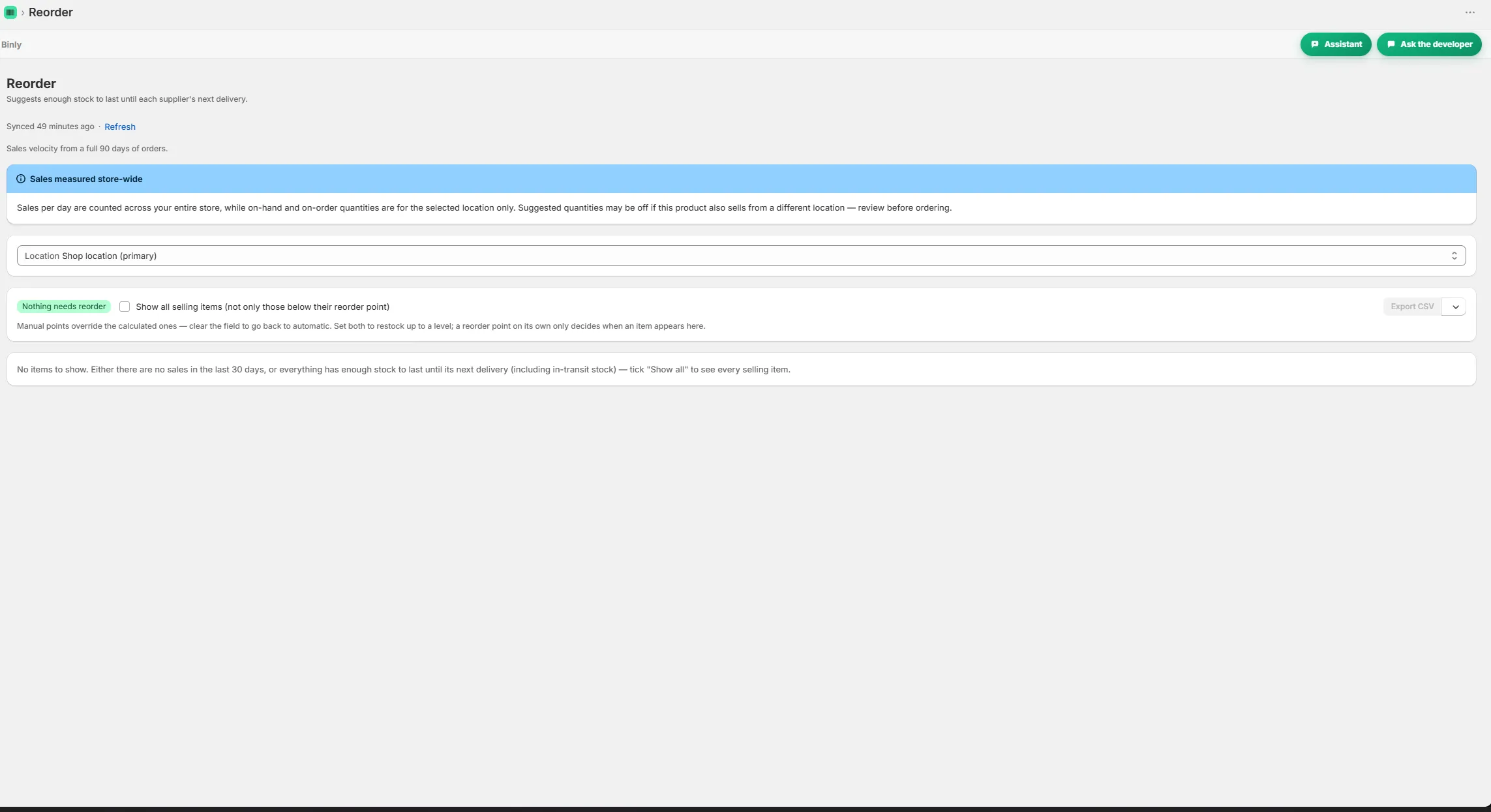
A full stockroom can still contain the wrong mix. Picture a homeware retailer with popular tea towels running low while last season's cushion covers occupy the shelves. Looking only at the total amount of stock will not tell the buyer which problem to handle first. Binly provides email low stock alerts, reorder points and reorder suggestions that use real supplier lead times from past deliveries.

  • It also includes ABC analysis, best sellers and a dead stock report.
  • Binly supports multiple locations and transfers between them, and it works with Shopify POS stores.
  • Inventory software contributes the records and reports; the buying decision still needs the shop's context.
Read more

It also includes ABC analysis, best sellers and a dead stock report. Use those views to decide what deserves a closer look. For a retailer with more than one location, the answer may be a transfer. Binly supports multiple locations and transfers between them, and it works with Shopify POS stores. Check the physical stock before acting on a surprising result. Then weigh the reorder suggestion against what you know, such as a range you plan to stop selling. Inventory software contributes the records and reports; the buying decision still needs the shop's context.

Illustration of a receipt with a landed cost calculation and a changed supplier price

Bring costs and existing records into the routine

At month end, a shop owner may need to understand costs as well as quantities. Consider a refill store that received the same product at different prices during the month. The latest supplier price alone does not describe every delivery it bought. Binly includes weighted average cost and month end COGS, alongside per delivery cost, supplier price lists and cost change alerts.

  • If your previous workflow used Stocky, Binly supports CSV import for suppliers, purchase orders and receipts.
  • Stocky shut down on August 31, 2026.
  • For scale, a 21,000 variant catalog syncs in under a minute.
Read more

Follow a familiar product through those records when evaluating the app. It is easier to assess a figure when you remember the boxes and invoices behind it. If your previous workflow used Stocky, Binly supports CSV import for suppliers, purchase orders and receipts. Stocky shut down on August 31, 2026. Check your saved exports before spending time rebuilding the records manually. For scale, a 21,000 variant catalog syncs in under a minute, and counts of more than 100,000 lines run in production. If you want to talk through your own workflow, email me. I build Binly and answer support myself.

Start to finish

From install to your next reorder

Install

Add Binly free from the Shopify App Store in under a minute.

Count

Scan a shelf, a section or your whole store with a phone or a USB scanner.

Receive

Scan incoming deliveries and match them against the purchase order.

Reorder

Get reorder suggestions by supplier, built from real delivery history.

Inside Binly

See the screen behind the workflow

Click a tab to see that screen inside Binly.

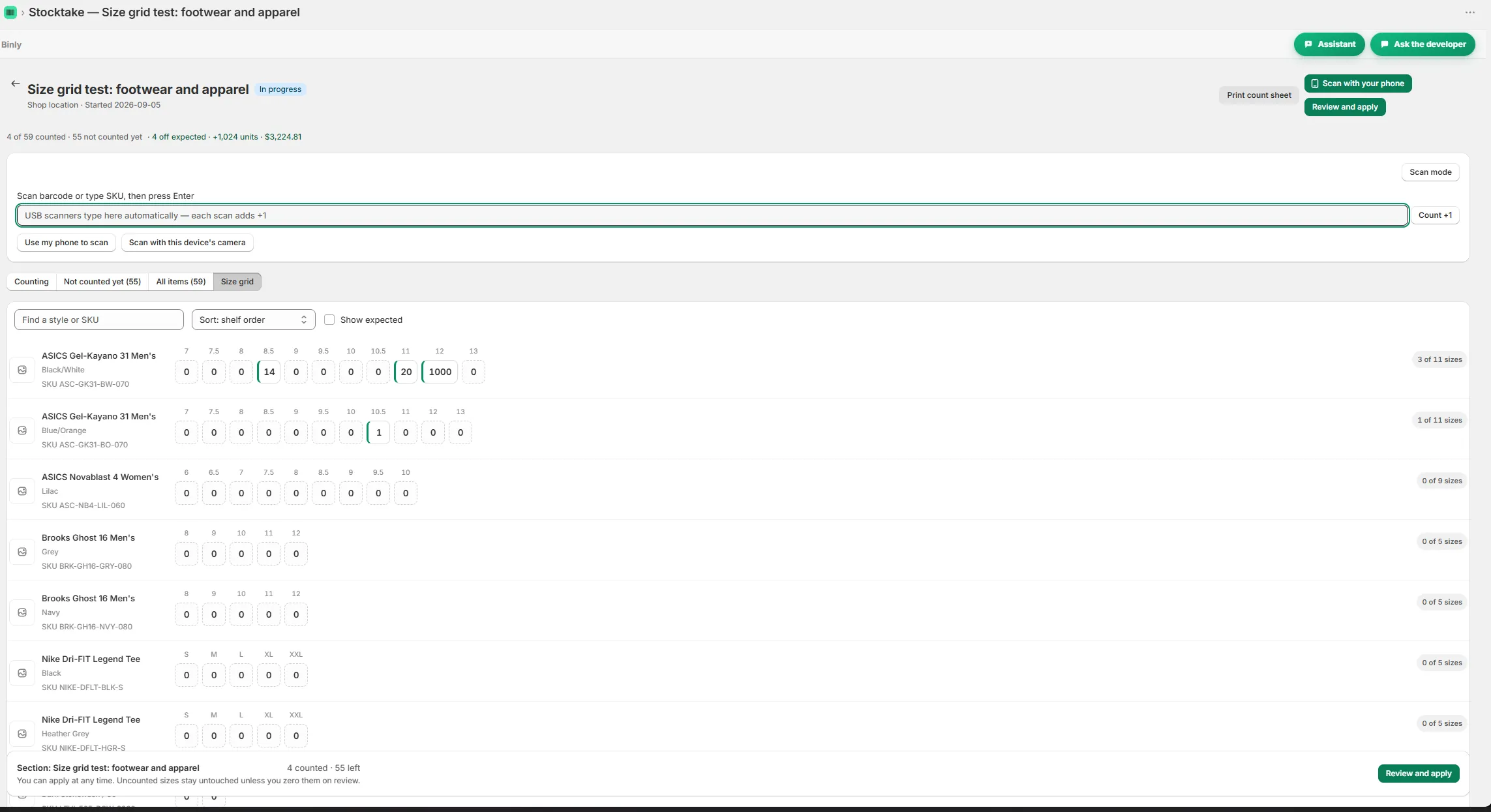
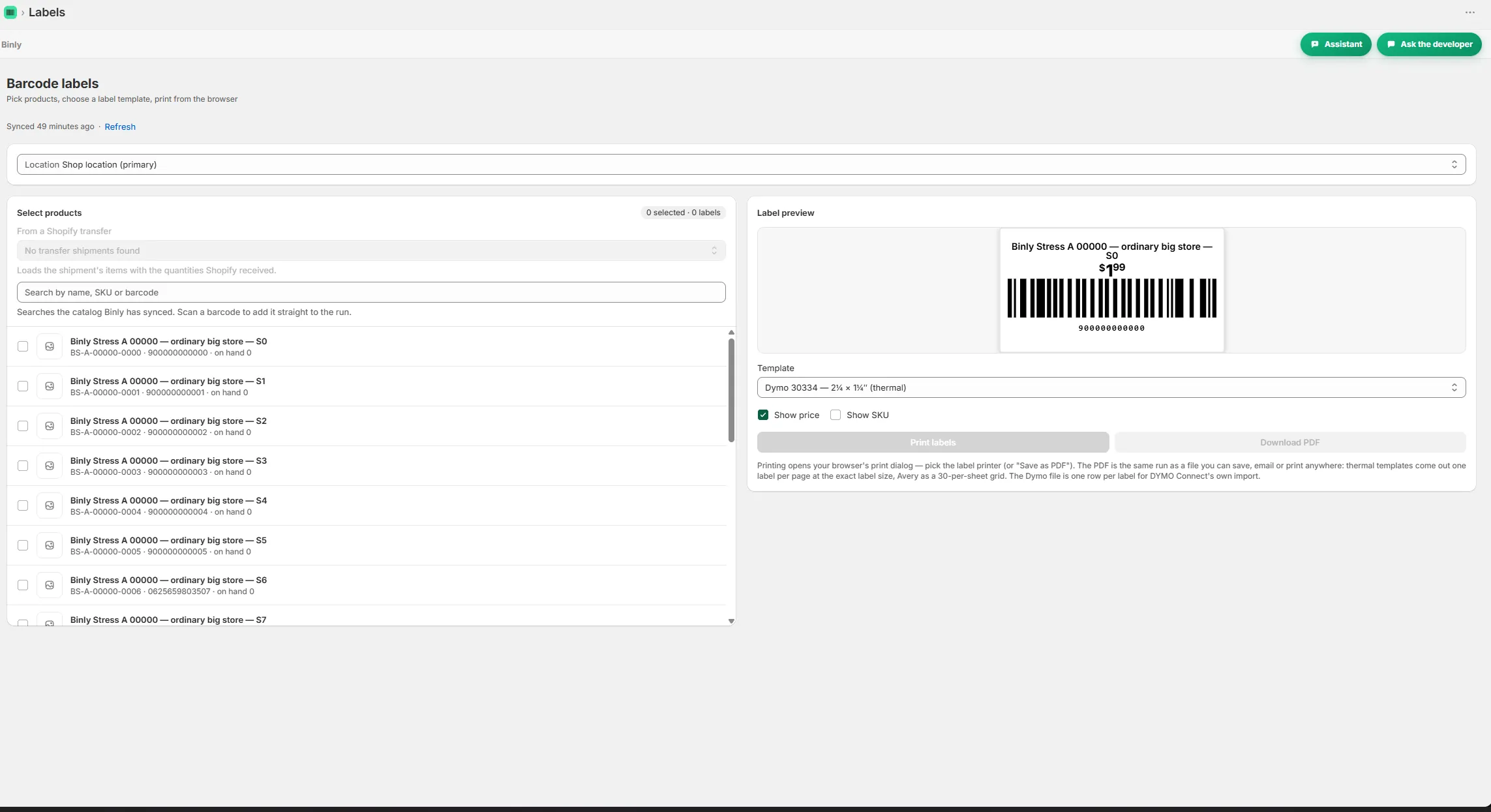
Counting a shelf with live variance while scanning Size grid view for counting variants by size Reorder suggestions grouped by supplier with lead times A purchase order with receiving and a partial delivery Barcode and price labels ready to print A cost change alert comparing supplier prices

Pricing

Simple, honest pricing

Plans are Free for small shops, Starter at $19/month or $190/year, Pro at $39/month or $390/year, and Growth at $99/month or $990/year. You get a 7 day Pro trial on install. A small shop should assess Free first; for a broader daily workflow, evaluate Starter and confirm whether its requirements call for Pro or Growth. Check feature access before choosing. Cancel any time, with no contracts.

Starter

Everything a single location store needs.

$19/mo

or $190/yr

  • Up to 500 products, one location
  • Unlimited stocktakes with barcode scanning
  • Purchase orders, suppliers and receiving
  • Barcode and price label printing
Start 7-day free trial

Pro

For larger or multi location stores.

$39/mo

or $390/yr

Everything in Starter, plus

  • No catalog cap, every product you have
  • All your locations plus stock transfers
  • Landed cost and weighted average cost
  • Inventory value report (CSV)
Start 7-day free trial

Growth

For stores that live by their purchase orders.

$99/mo

or $990/yr

Everything in Pro, plus

  • Supplier price lists and cost change alerts
  • Order by dates from real supplier lead times
  • Month end COGS pack
  • Done for you Stocky migration
Start 7-day free trial

Prices in USD, billed through Shopify. Change or cancel any time, no contracts.

FAQ

Questions people ask before they install

Can Binly replace my inventory spreadsheets in Google Sheets?

Binly covers counts, receiving, purchase orders, replenishment and inventory reports. It can take over those stock tasks if the workflow fits your store. Keep a spreadsheet for any separate planning you still prefer to do there. Start by testing a count and a partial delivery, then decide which manual records you no longer need.

Does Binly work with Shopify POS and multiple locations?

Yes. Binly works with Shopify POS stores, supports multiple locations and includes transfers between locations. A useful first test is to count a defined area at one store and review the differences. If you also move stock between stores, include that task when checking the plan and workflow you need.

Can I use a phone camera or a USB barcode scanner?

Both are supported for stock counts. Use a phone camera when moving along shelves suits the job, or a USB barcode scanner at a fixed counting spot. You can count the whole store or one section. Binly also includes labels with barcode generation for products that have none.

How is Binly different from a simple low stock alert app?

Binly includes email low stock alerts and reorder points, but it also covers counting, receiving, purchase orders, costs and reports. Reorder suggestions use real supplier lead times from past deliveries. If your main problem is inaccurate receiving or uncertain shelf quantities, test those workflows as well as the alerts when evaluating it.

Can I import purchase history from Stocky?

Binly supports Stocky CSV import for suppliers, purchase orders and receipts. Use your saved exports to assess what you can bring across rather than assuming the records need to be recreated. Stocky shut down on August 31, 2026. If you have questions about the import, email support is answered by the developer.

Try it on a real shelf today

Try Binly on the count, delivery and buying decisions already waiting in your shop.

Install free on Shopify Free to start · Starter $19/mo · Pro $39/mo · Growth $99/mo · Cancel any time
Illustration of three dashboard cards: a low stock bell, a reorder list and a rising cost trend line