free stock taking software

Free stock taking software for a small Shopify shop

A small shop still needs accurate stock, even when another monthly bill is hard to justify. Binly has a Free plan for small shops and a separate 7 day Pro trial on install, so start by checking what your regular counting routine needs.

Free plan available. 7-day free trial on paid plans, no card required.

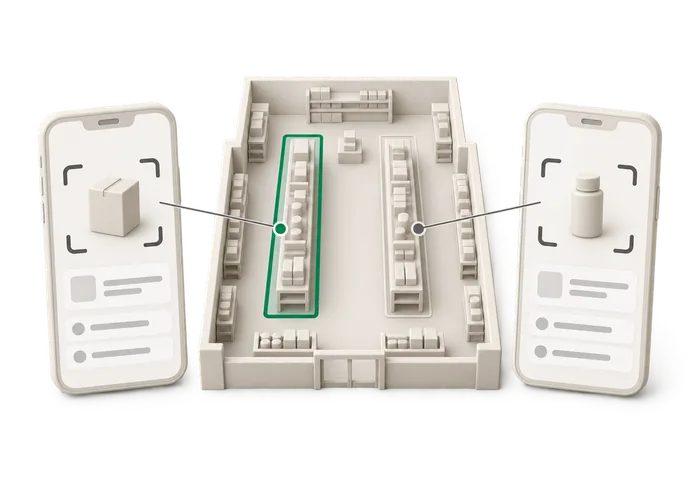
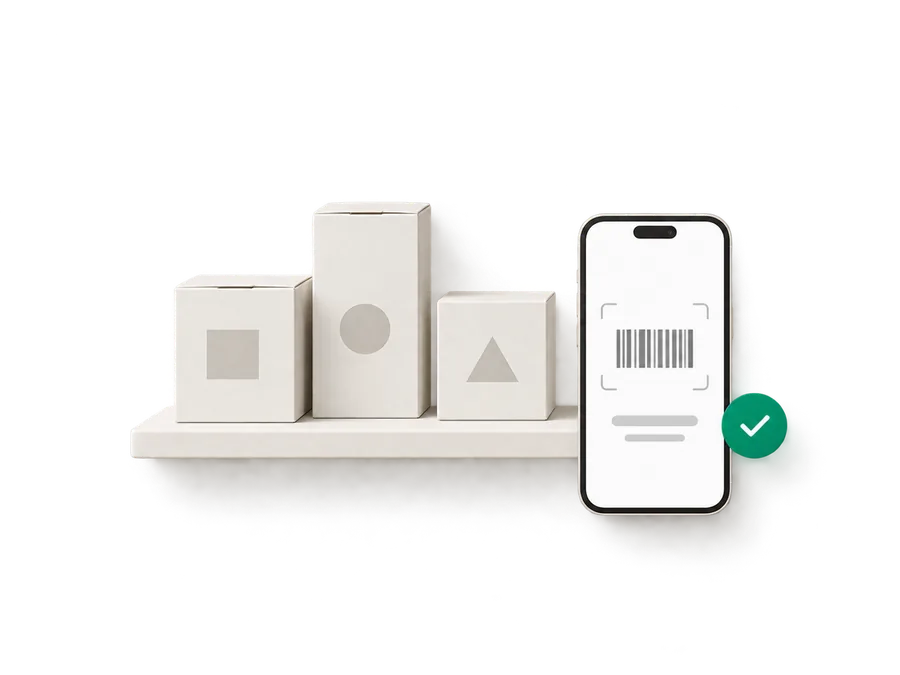
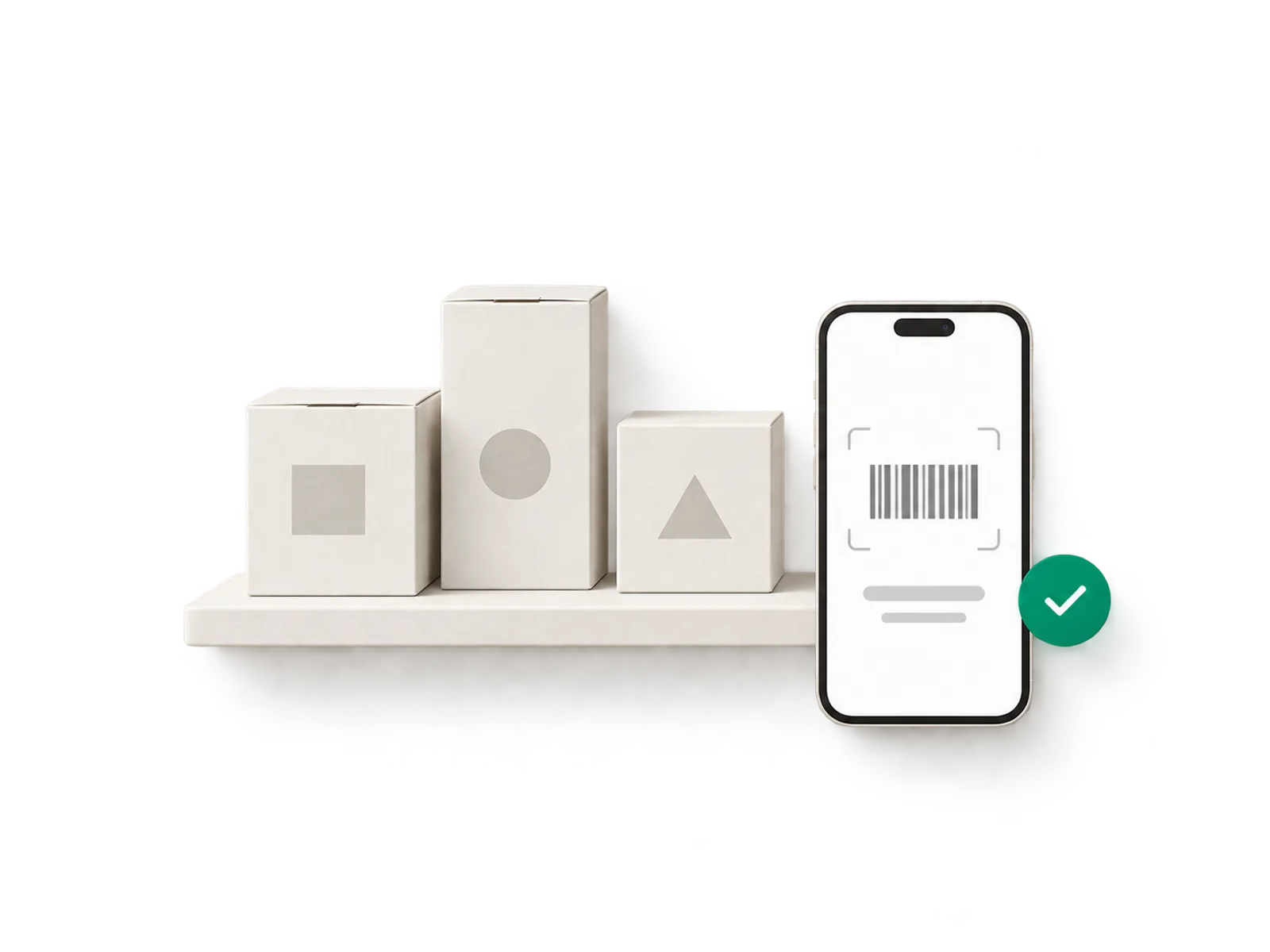
Illustration of a small shelf with three cartons and a phone scanning a barcode with a green checkmark badge
Live ยท Free plan + 7-day Pro trial
21,000

variants synced in under a minute

100,000+

lines counted in a single stocktake

7

days of Pro, free on install

How it works

Built around the shelf you are looking at

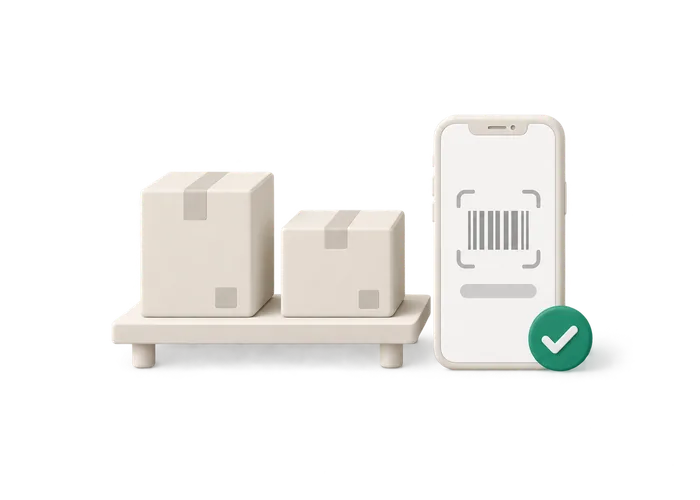
Illustration of a small shelf with a free plan badge and a phone scan

A Free plan and a trial are different things

When you search for a free stocktake app, the first thing to check is whether you are looking at an ongoing plan or a short trial. Binly offers both: a Free plan for small shops and a 7 day Pro trial that starts when you install. Imagine a small jewellery shop that wants to check the earring display now and then.

  • The word free does not settle which plan fits either shop.
  • If anything is unclear, email me.
  • I build Binly and answer support myself.
Read more

Its needs may be quite different from a retailer receiving supplier orders and moving stock between locations every day. The word free does not settle which plan fits either shop. During the trial, check what your intended plan includes before building your routine around a feature. Do not assume that every feature you try under Pro is part of Free. The Free plan is for small shops, and it should not be read as a promise of unlimited use. Check the current limits against your shop. If anything is unclear, email me. I build Binly and answer support myself.
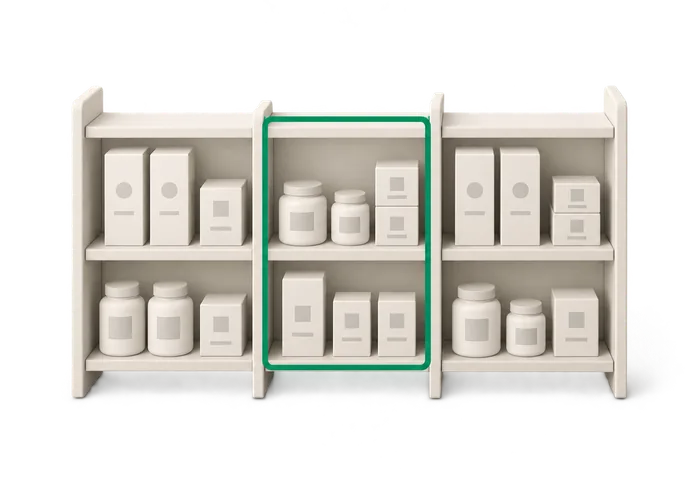
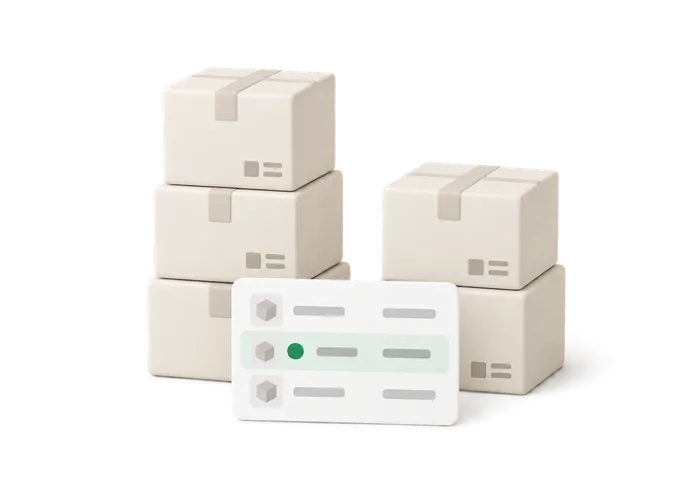
Illustration of a shop shelf split into a counted section and an uncounted section

Test a real shelf, from count to review

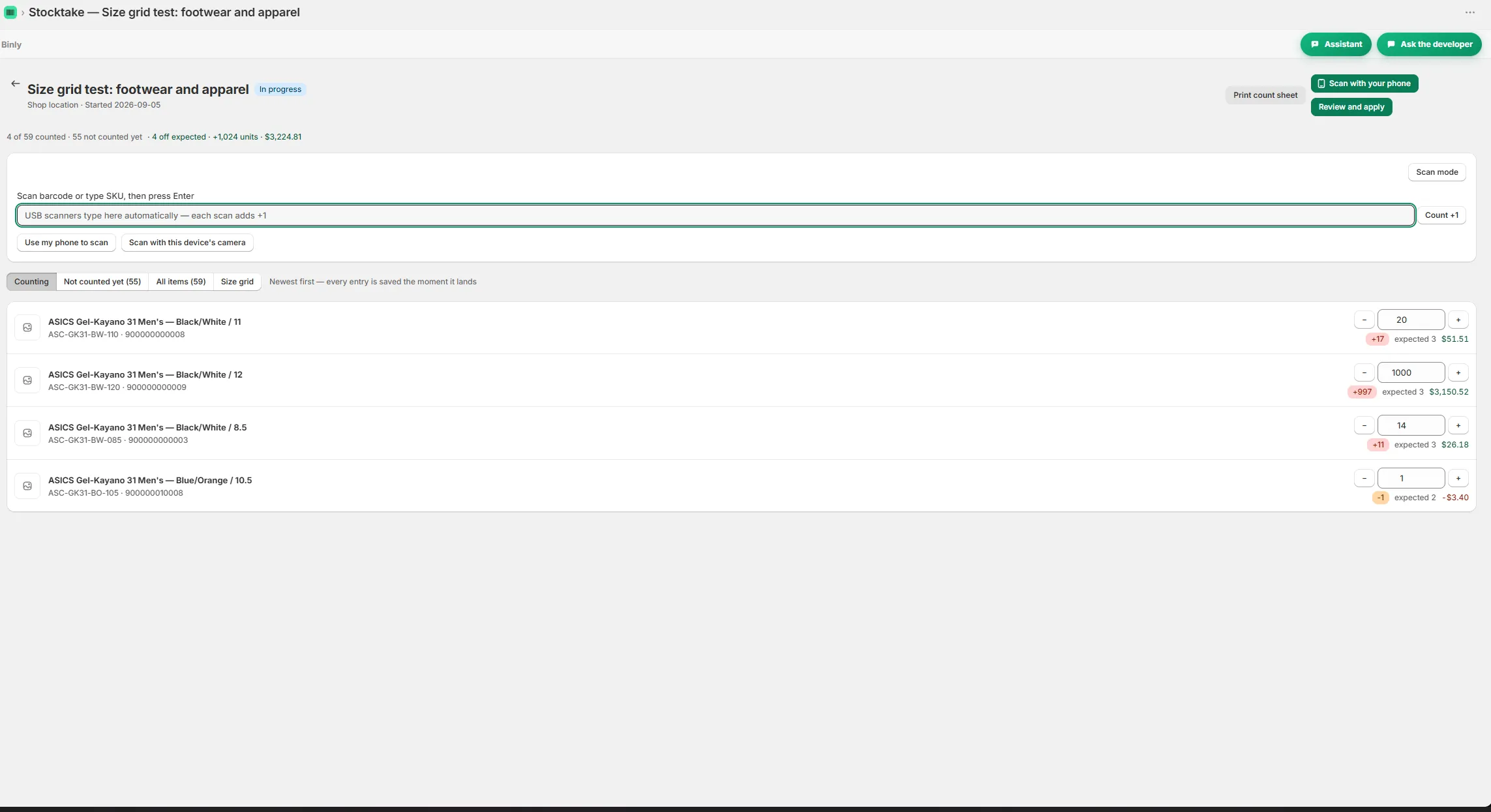
A useful trial starts with actual stock. Suppose a gift shop has a display of greeting cards that never seems to match the recorded quantities. Choose that section, gather the spare cards from the drawer and work through a count. Binly's counting workflow is: Choose one shelf, a section or the whole shop. Count the products with a phone camera or USB barcode scanner.

  • Read the variance report before anything changes in Shopify.
  • Apply the finished count to Shopify with one tap.
  • Use this first job to see where the count needs your attention.
Read more

Read the variance report before anything changes in Shopify. Check surprising differences against the physical stock. Apply the finished count to Shopify with one tap. Use this first job to see where the count needs your attention. If a card design looks short, check the drawer before accepting the result. The app does not know about a pack you have not included. You are looking for a routine you can repeat after the trial. A modest shelf count tells you more about that than clicking through features without any products in front of you.

Illustration of a variance report card with one flagged row before it is applied

Work out what free needs to cover for your shop

Write down the job before comparing plans. For a small candle shop, it might be checking the display and stockroom shelf each month. For another shop, counting is only the start: it also needs purchase orders, partial receiving and supplier cost checks. Binly's wider product includes those purchasing features, along with low stock emails, reorder points, reports and transfers between locations.

  • This page does not promise that every one of those features is included in Free.
  • Check their availability on the plan you intend to use.
  • List the stock jobs you do regularly, then match them to the plan.
Read more

This page does not promise that every one of those features is included in Free. Check their availability on the plan you intend to use. If you arrived after searching for a stock take app free of a monthly subscription, keep the first decision narrow. List the stock jobs you do regularly, then match them to the plan. An occasional display check and a daily purchasing routine deserve different evaluations. You can then consider paid options for any requirements Free does not cover. There is no need to choose a bigger plan just because your first count found a messy shelf.

Illustration of three people each counting a different part of a shop floor

Keep the process simple enough to repeat

Free software still needs someone to do the stocktake. Picture a small stationery shop where the owner counts between serving customers and opening deliveries. A huge first count may be difficult to finish carefully, whatever the subscription costs. Start with a defined section and agree what belongs in it. Move through the stock methodically, then use Binly's variance report to check the differences before applying.

  • If another person helps, Binly supports several people counting at once.
  • Give each person a clear area, including any stock tucked behind the counter.
  • A phone camera is supported for stock counts.
Read more

If another person helps, Binly supports several people counting at once. Give each person a clear area, including any stock tucked behind the counter. A phone camera is supported for stock counts, so you can try the workflow without first buying a USB barcode scanner. Choose a section that represents the labels and products you normally handle. After the first count, decide whether the routine is manageable. The useful outcome is a checked quantity in Shopify and a process you understand. A long list of features you never use does not make the next stocktake easier.

Start to finish

From install to your next reorder

Choose

Choose one shelf, a section or the whole shop.

Count

Count the products with a phone camera or USB barcode scanner.

Read

Read the variance report before anything changes in Shopify.

Apply

Apply the finished count to Shopify with one tap.

Inside Binly

See the screen behind the workflow

Click a tab to see that screen inside Binly.

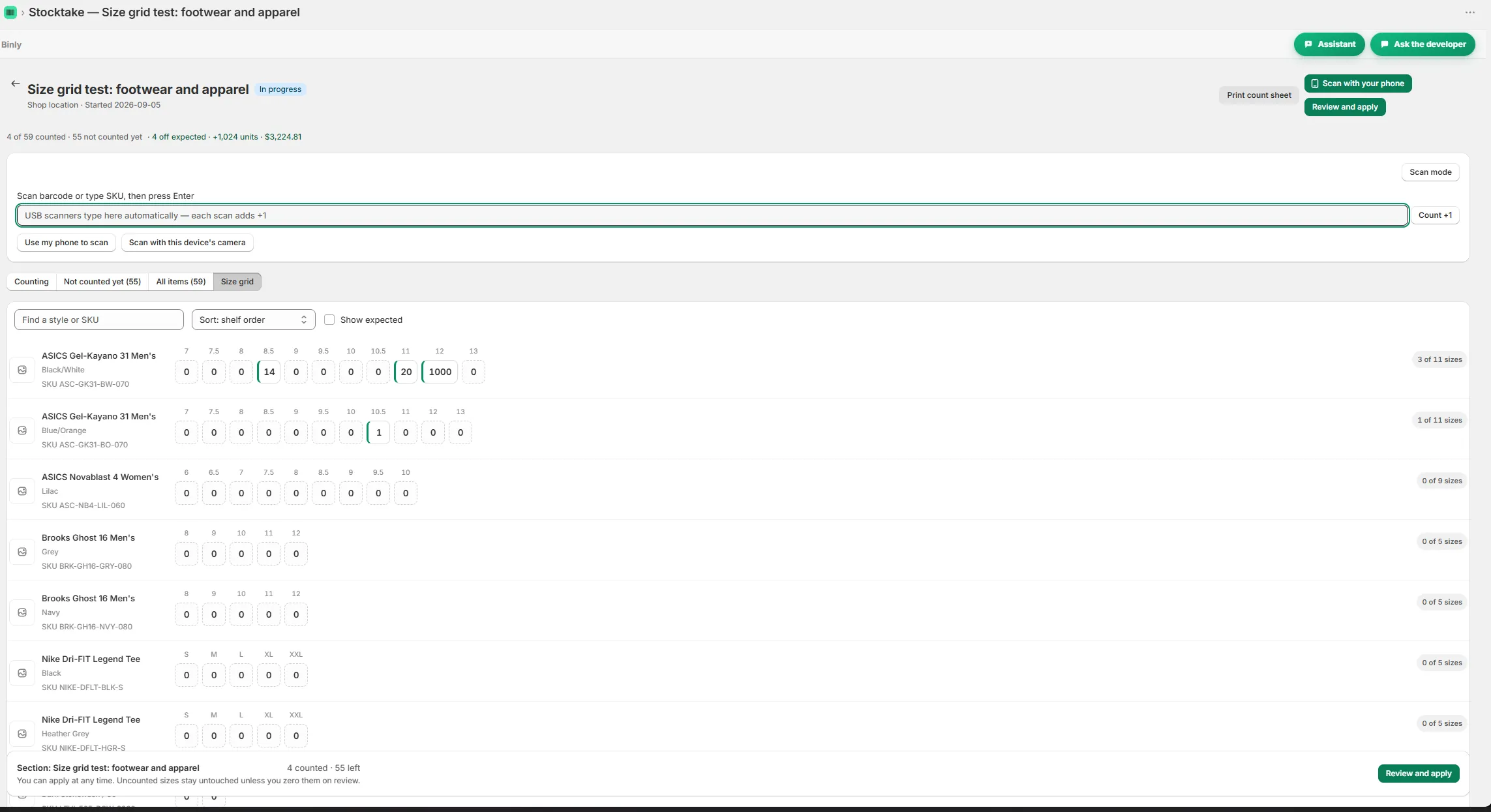
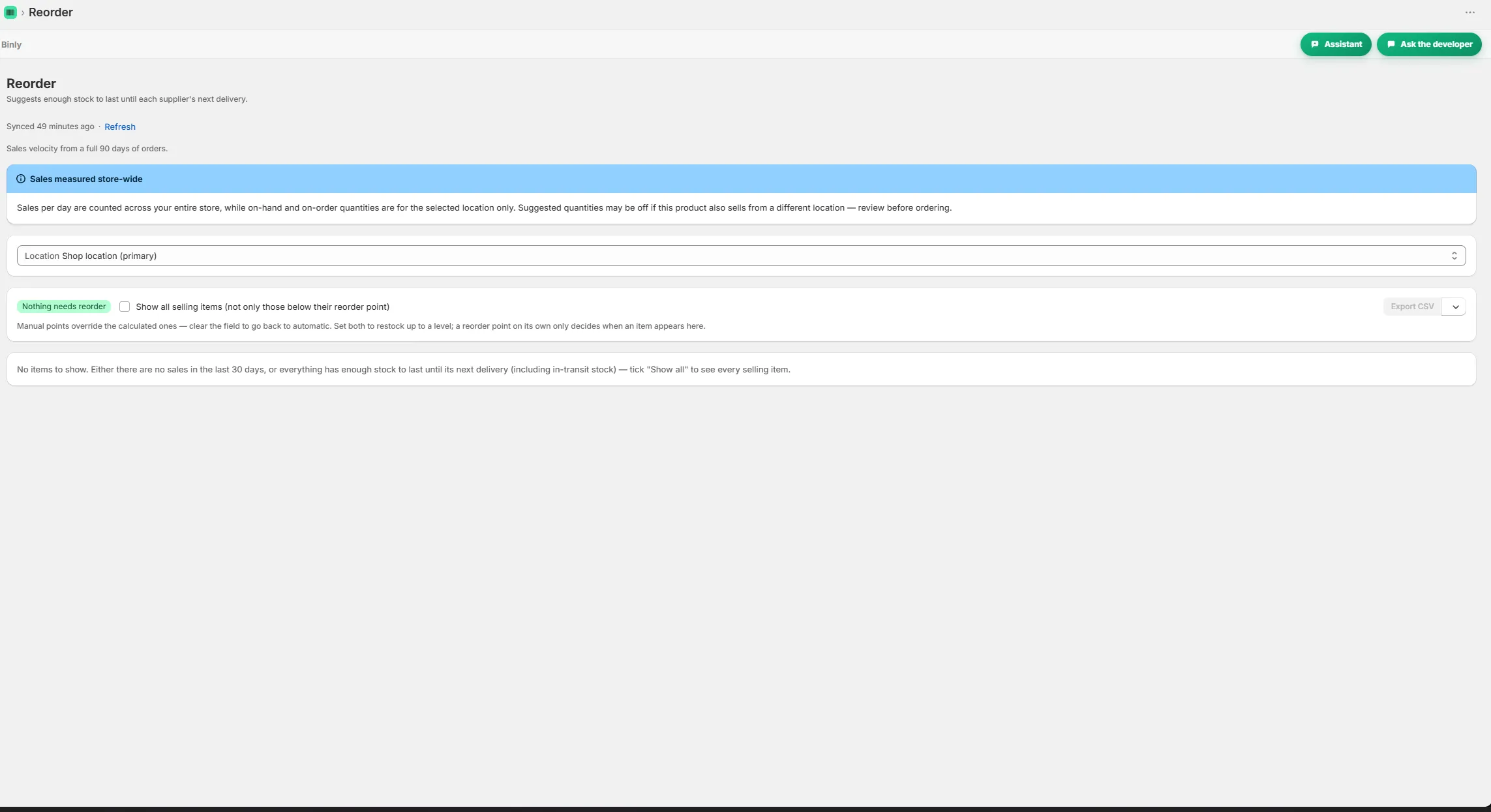
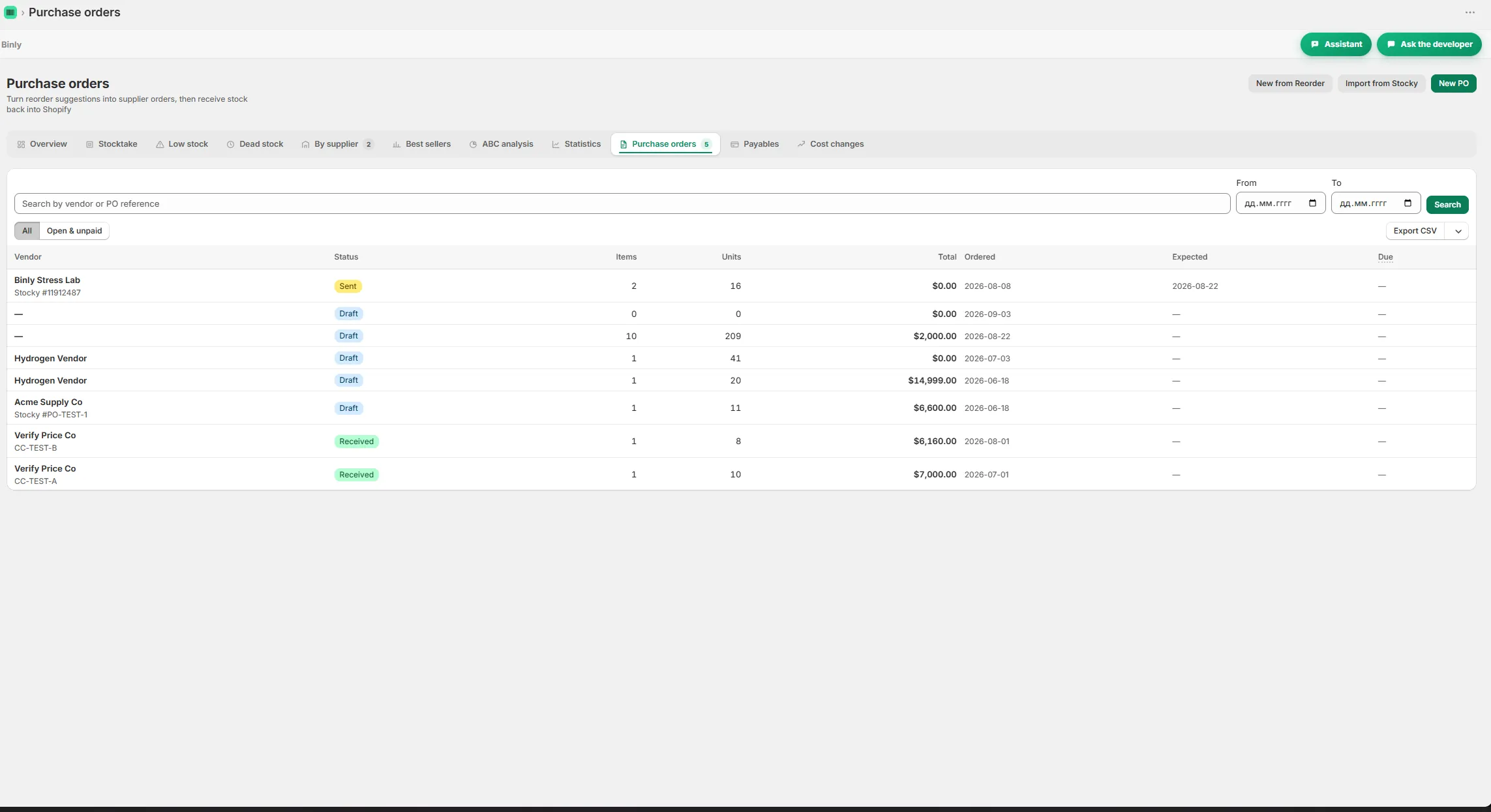
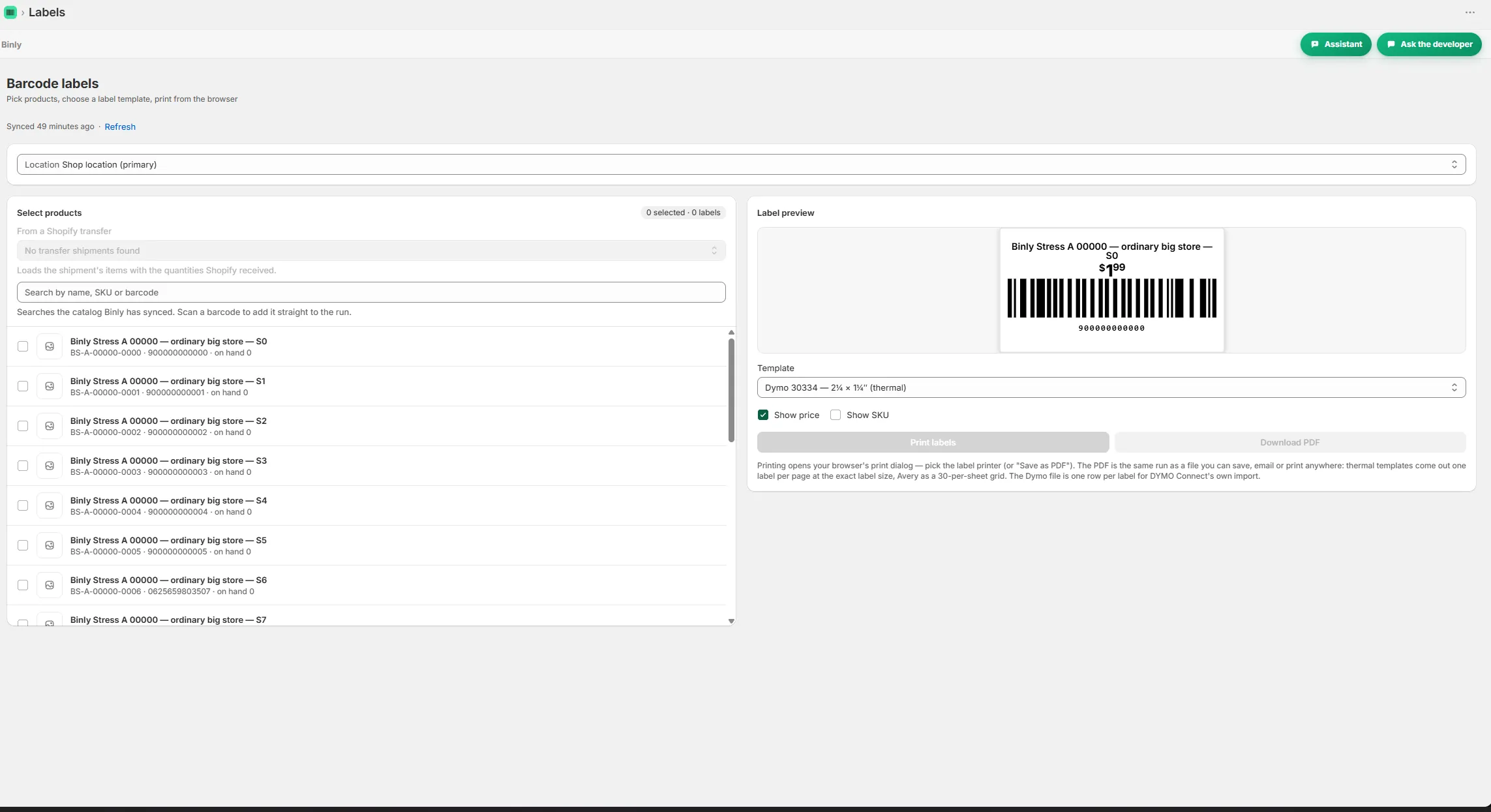
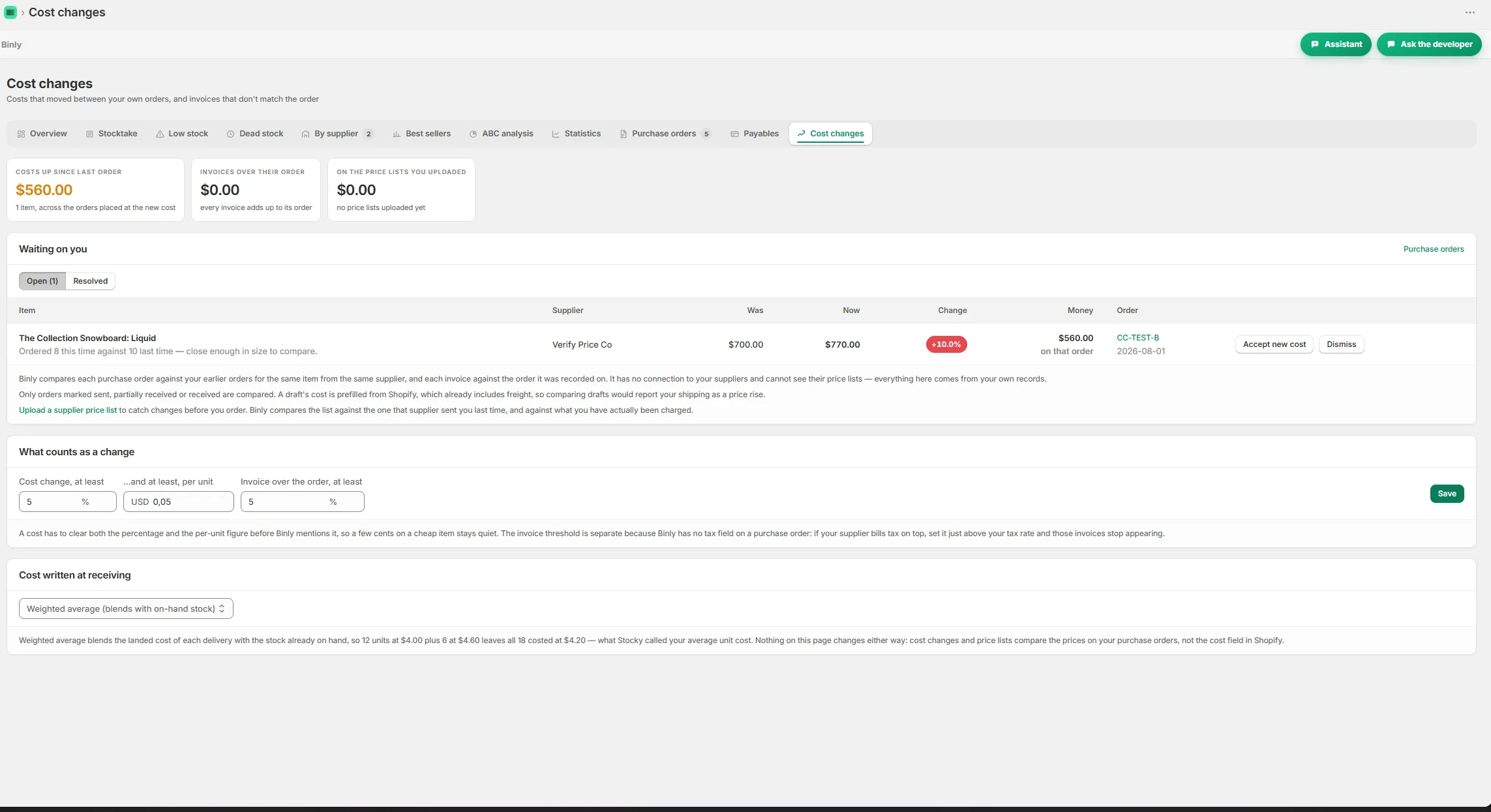
Counting a shelf with live variance while scanning Size grid view for counting variants by size Reorder suggestions grouped by supplier with lead times A purchase order with receiving and a partial delivery Barcode and price labels ready to print A cost change alert comparing supplier prices

Pricing

Simple, honest pricing

Free is for small shops. Starter costs $19/month or $190/year, Pro $39/month or $390/year, and Growth $99/month or $990/year. Installation includes a separate 7 day Pro trial. For a small shop seeking free stock taking software, Free is the first plan to assess, provided its limits and included features cover the regular job. Cancel any time, with no contracts.

Starter

Everything a single location store needs.

$19/mo

or $190/yr

  • Up to 500 products, one location
  • Unlimited stocktakes with barcode scanning
  • Purchase orders, suppliers and receiving
  • Barcode and price label printing
Start 7-day free trial

Pro

For larger or multi location stores.

$39/mo

or $390/yr

Everything in Starter, plus

  • No catalog cap, every product you have
  • All your locations plus stock transfers
  • Landed cost and weighted average cost
  • Inventory value report (CSV)
Start 7-day free trial

Growth

For stores that live by their purchase orders.

$99/mo

or $990/yr

Everything in Pro, plus

  • Supplier price lists and cost change alerts
  • Order by dates from real supplier lead times
  • Month end COGS pack
  • Done for you Stocky migration
Start 7-day free trial

Prices in USD, billed through Shopify. Change or cancel any time, no contracts.

FAQ

Questions people ask before they install

Why use Binly instead of a free Google Sheets template?

Google Sheets can hold a stock list and your counting notes. Binly's counting workflow adds phone or USB barcode scanning, a variance report and a one tap update to Shopify. Compare the features available on your intended plan with the manual steps in your sheet before deciding whether to move your routine.

Can a Shopify POS shop use Binly's Free plan?

Binly works with Shopify POS stores, and Free is intended for small shops. Whether Free covers your particular POS routine depends on the limits and features you need, so check those before choosing. Do the same if you require several locations. POS compatibility alone does not establish what a plan includes.

Do I need a USB scanner, or can I count with my phone?

Binly supports a phone camera and a USB barcode scanner for stock counts. You can try counting with a phone before deciding whether extra equipment suits your shop. Use the labels and products you normally handle for that first count, including similar variants, so the trial reflects the work you actually do.

What are the limits of the Free plan?

Free is intended for small shops. Check the current plan details for the exact limits and included features before relying on it for your stocktake routine. The Pro trial is separate and should not be treated as a statement of Free access. Email the developer if a limit or feature is unclear.

Will I have to sign a contract after the trial?

No, Binly has no contracts and you can cancel any time. Installation includes a 7 day Pro trial, while Free is a separate plan for small shops. Review the tasks you actually tested before choosing a plan. If you need help with that choice, email me with the stock jobs you want to cover.

Try it on a real shelf today

Try a real shelf count and check whether Free covers the routine you want to keep.

Install free on Shopify Free to start · Starter $19/mo · Pro $39/mo · Growth $99/mo · Cancel any time
Illustration of a small shelf with three cartons and a phone scanning a barcode with a green checkmark badge